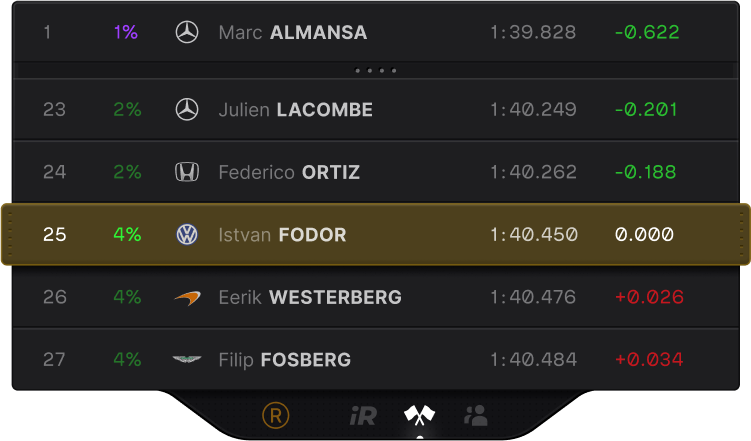
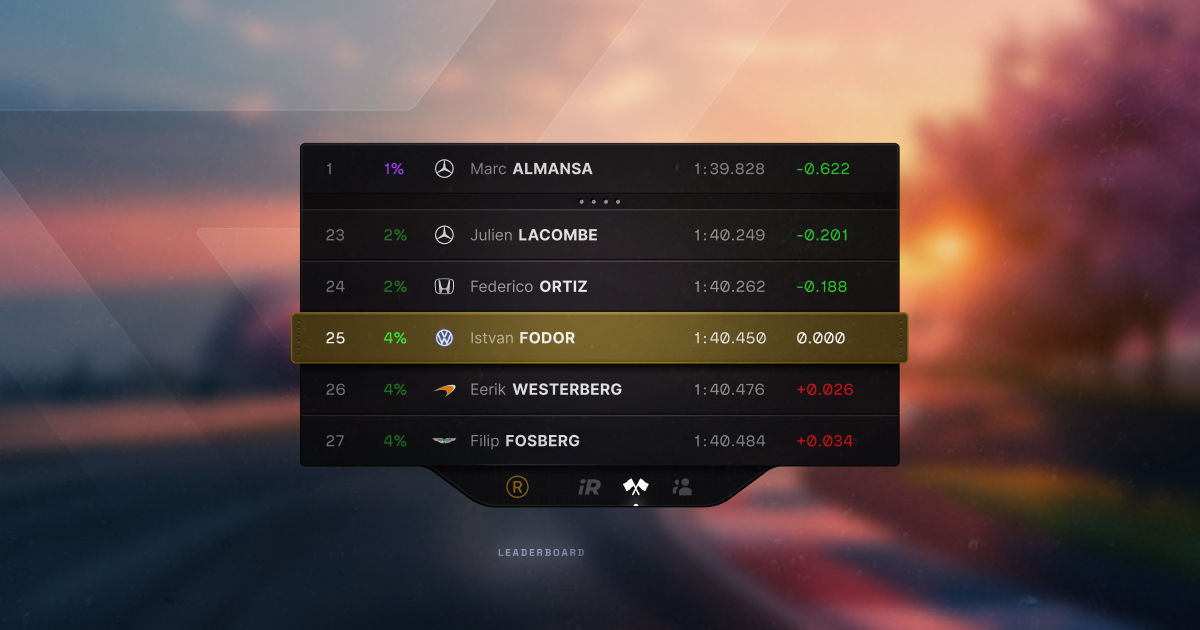
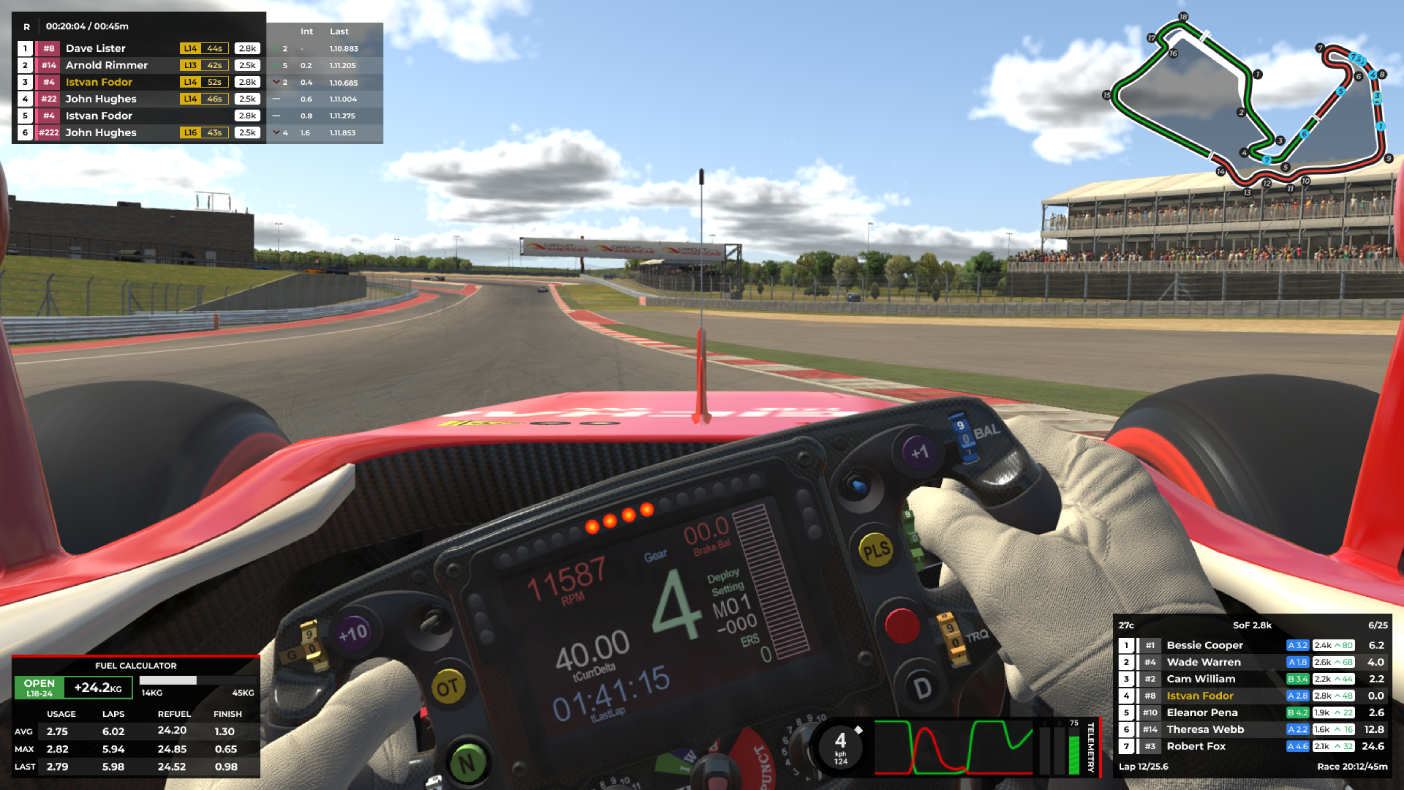
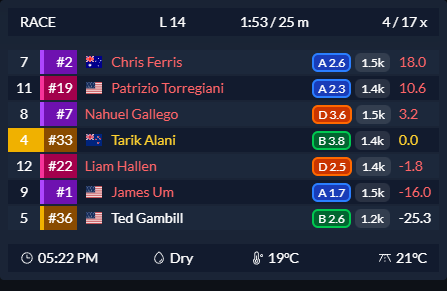
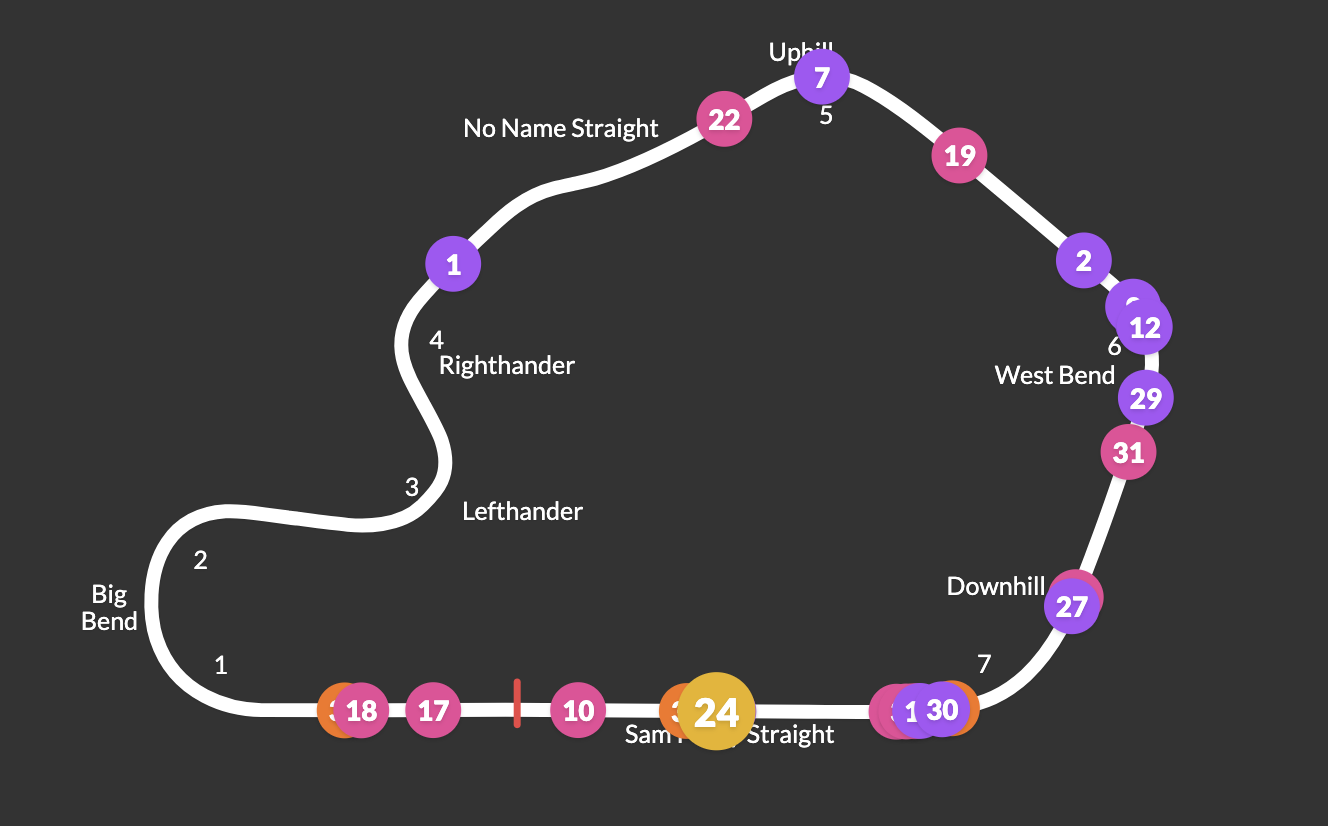
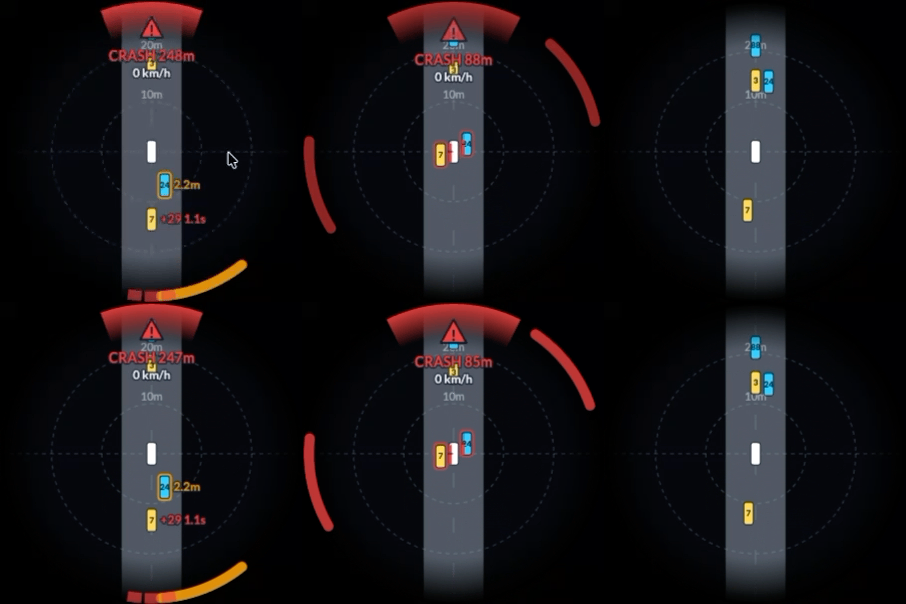
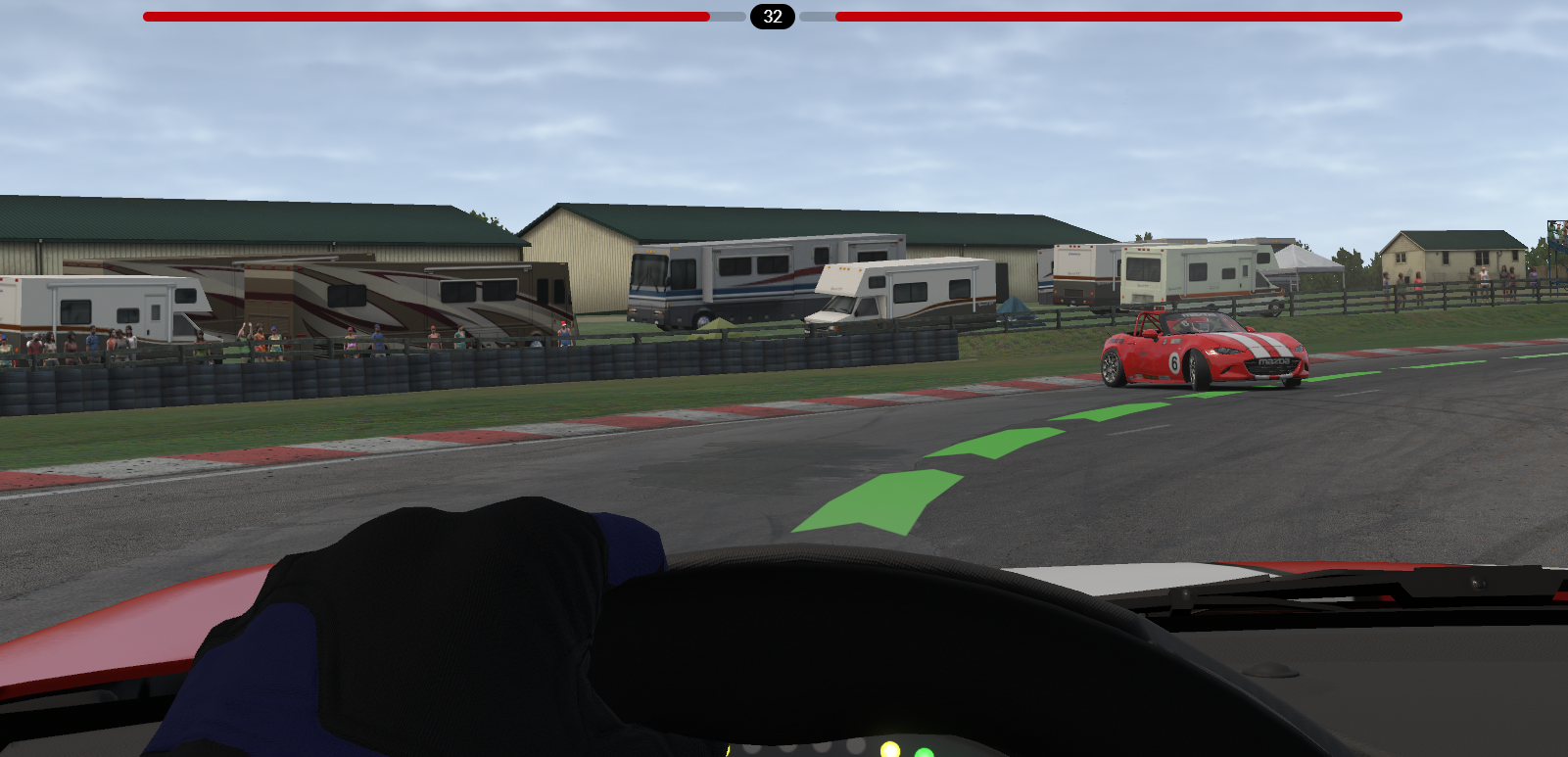
102 screenshots from the five overlays in F1GamerDad's FPS test (baseline 96.9 FPS). Images load live from each rival's own site — click to open full size. Amber “check” = the match to that widget is uncertain.
Racelab
89.7 FPS · −7.4 % · 17 stuttersFree / Pro €4.90 mo · €49.90 yr · €399 lifetimeWindows app, 8 sims, native VR (Pro), OBS browser sourcesite ↗
Standings
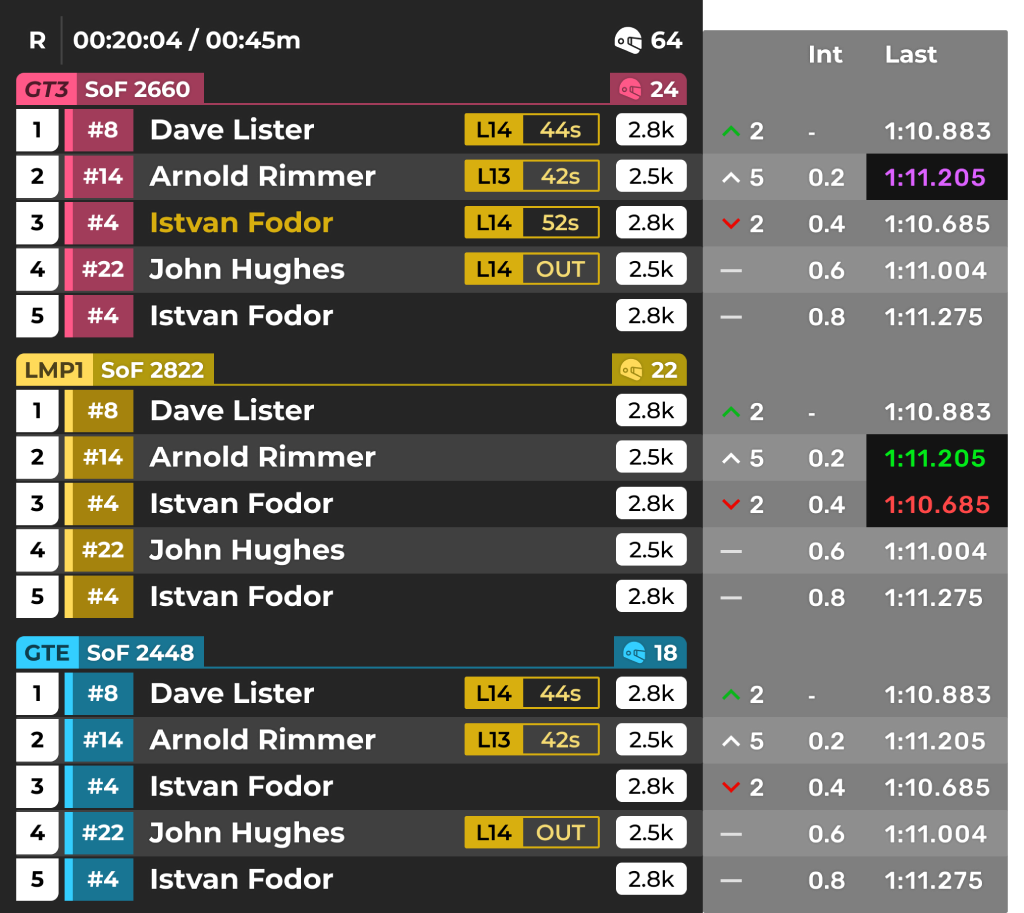
Multiclass standings table (DP/GTE/GT3 class headers with SOF, gap, fastest, last lap; player row highlighted)
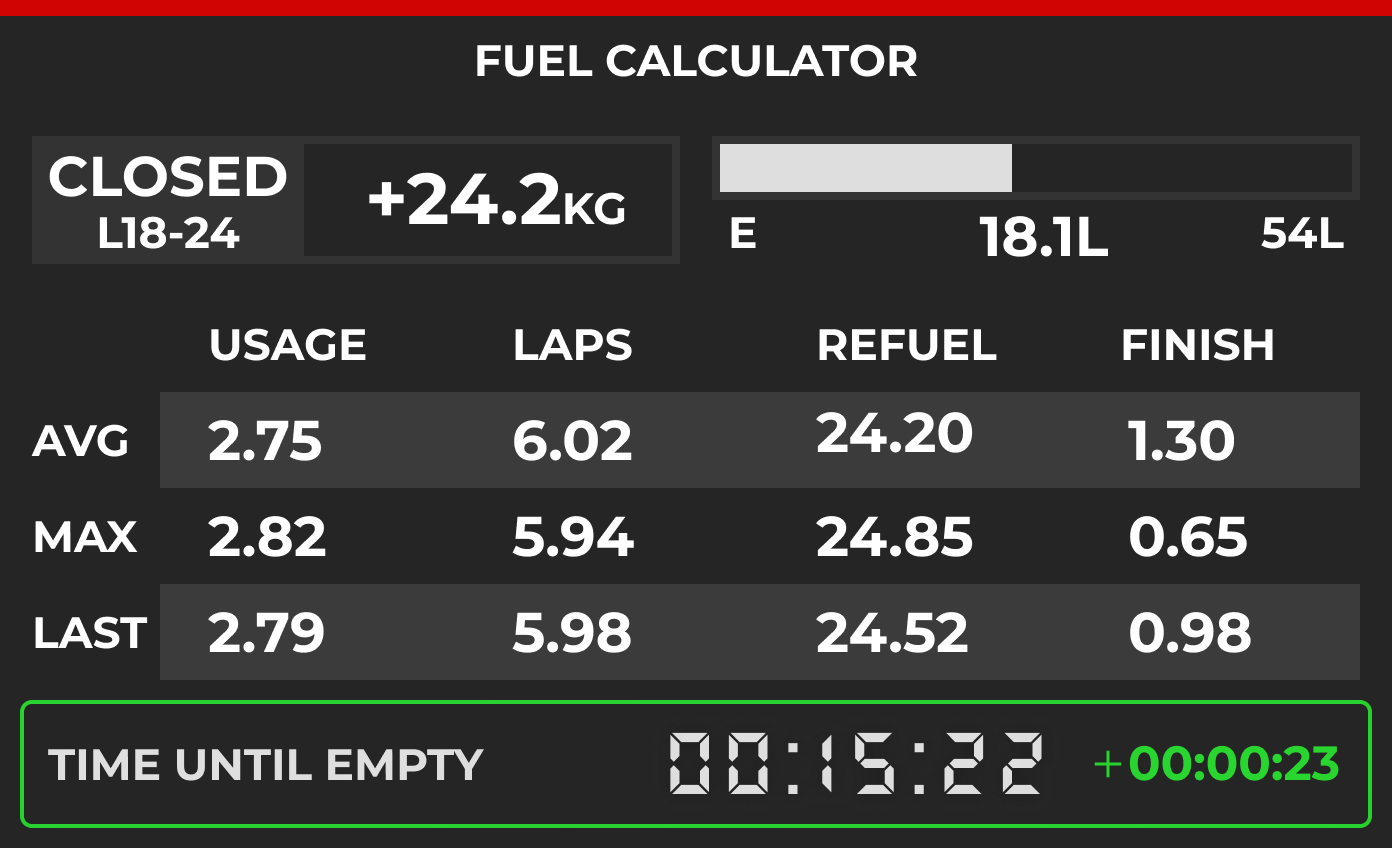
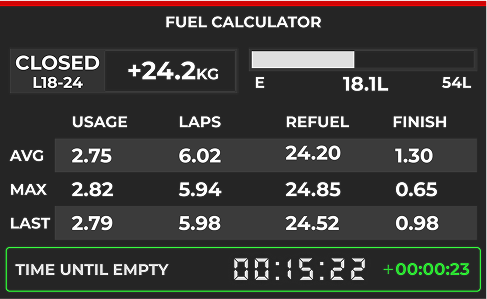
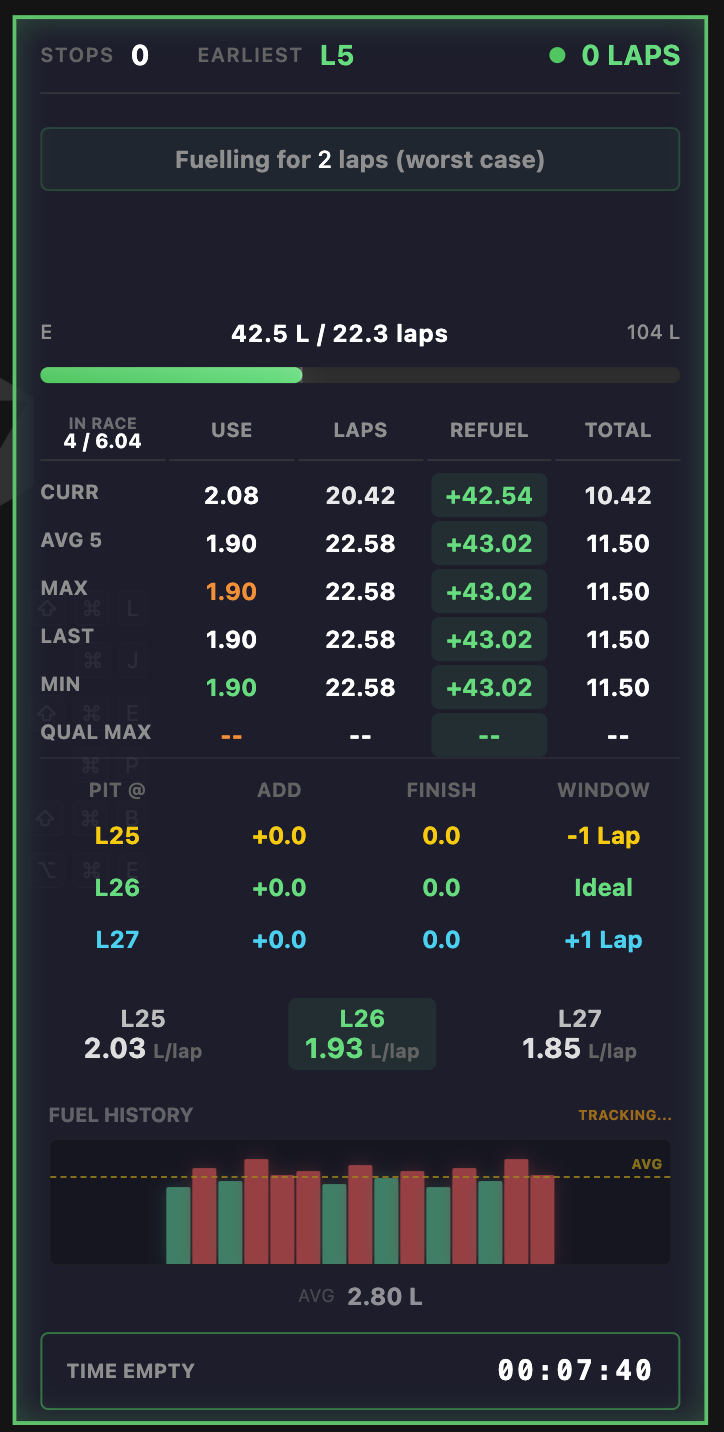
Fuel calculator variant (CLOSED window, kg units, USAGE/LAPS/REFUEL/FINISH table, time until empty) shown in the Multiple fuel strategies (Pro) section
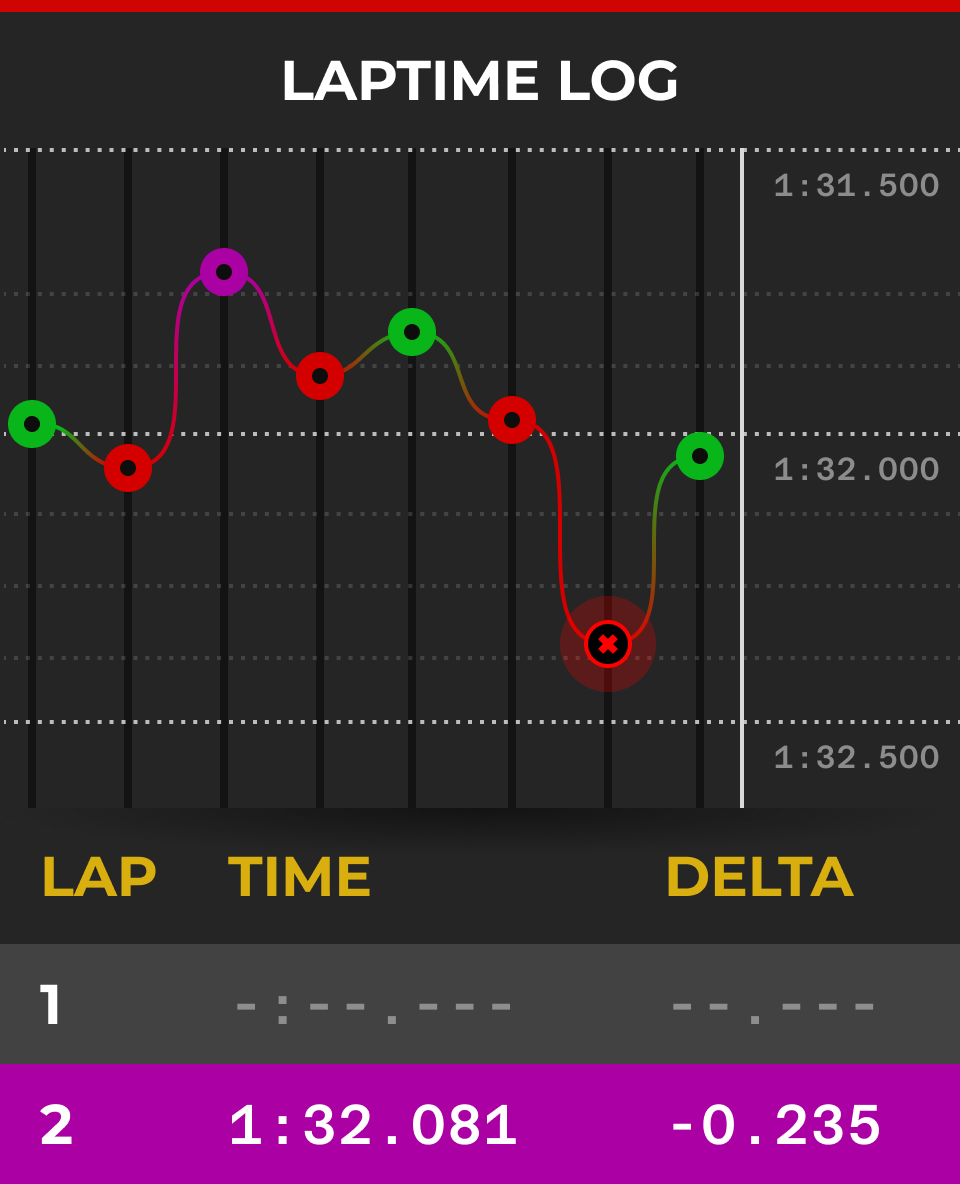
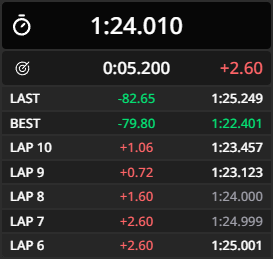
Lap-time line graph with coloured dots (purple/green/red) and LAP/TIME/DELTA table below; its own header text reads LAPTIME LOG, but the site labels the image Laptime Graph
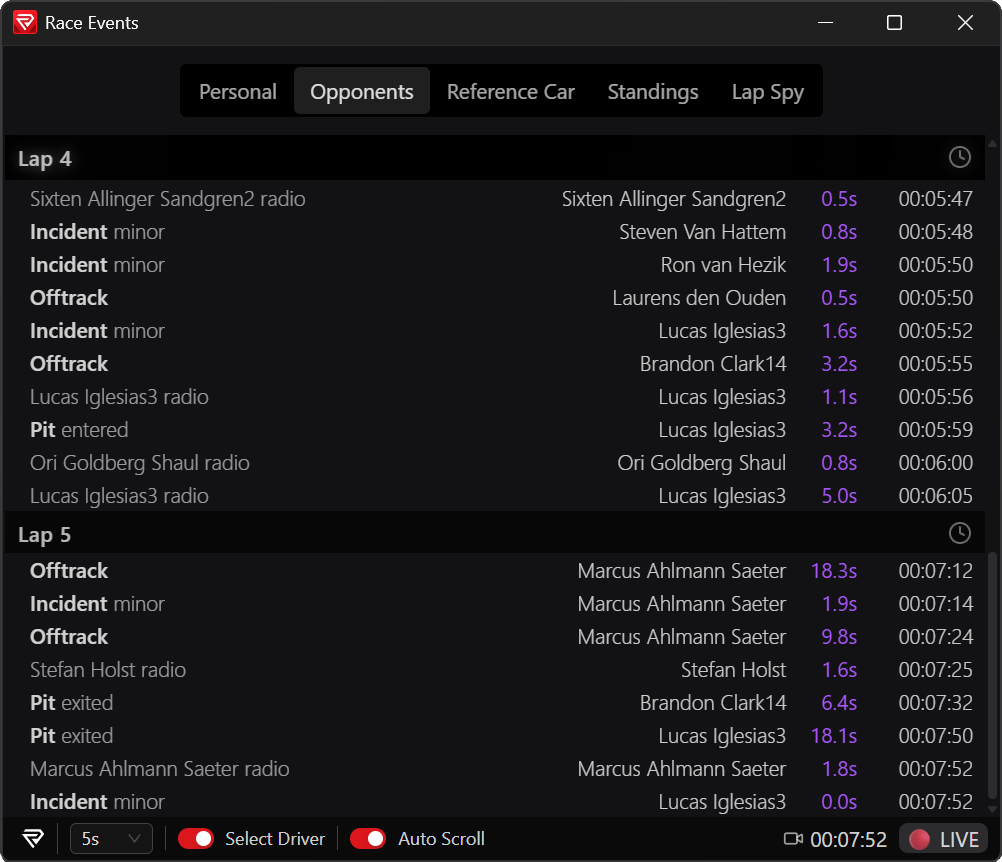
Race Events window with Personal/Opponents/Reference Car/Standings/Lap Spy tabs listing incidents, offtracks, pit and radio per lap; it has a desktop window title bar, so it may be an app panel rather than an in-sim overlay
No public screenshot found: Odometer (extra widget): news post https://garage.racelab.app/news/2025/10/21/2025/odometer has only a video, https://garage.racelab.app/assets/medias/odo-meter-01983bcd3e37436b150d8dc557ed960b.mp4 (200 video/mp4), no still image, ERS overlay (extra, F1-focused): news post https://garage.racelab.app/news/2025/04/16/2025/ers-overlay has no image
iRDashies
88.4 FPS · −8.8 % · 12 stuttersFree, MIT open sourceElectron + React, iRacing (+ LMU beta), every widget a localhost URLsite ↗
Lap Trace at Spa (BMW M4 GT3 EVO): per-corner time/distance/speed deltas (Les Fagnes etc.) beside throttle/brake trace vs reference lap, brake-cue bars at right
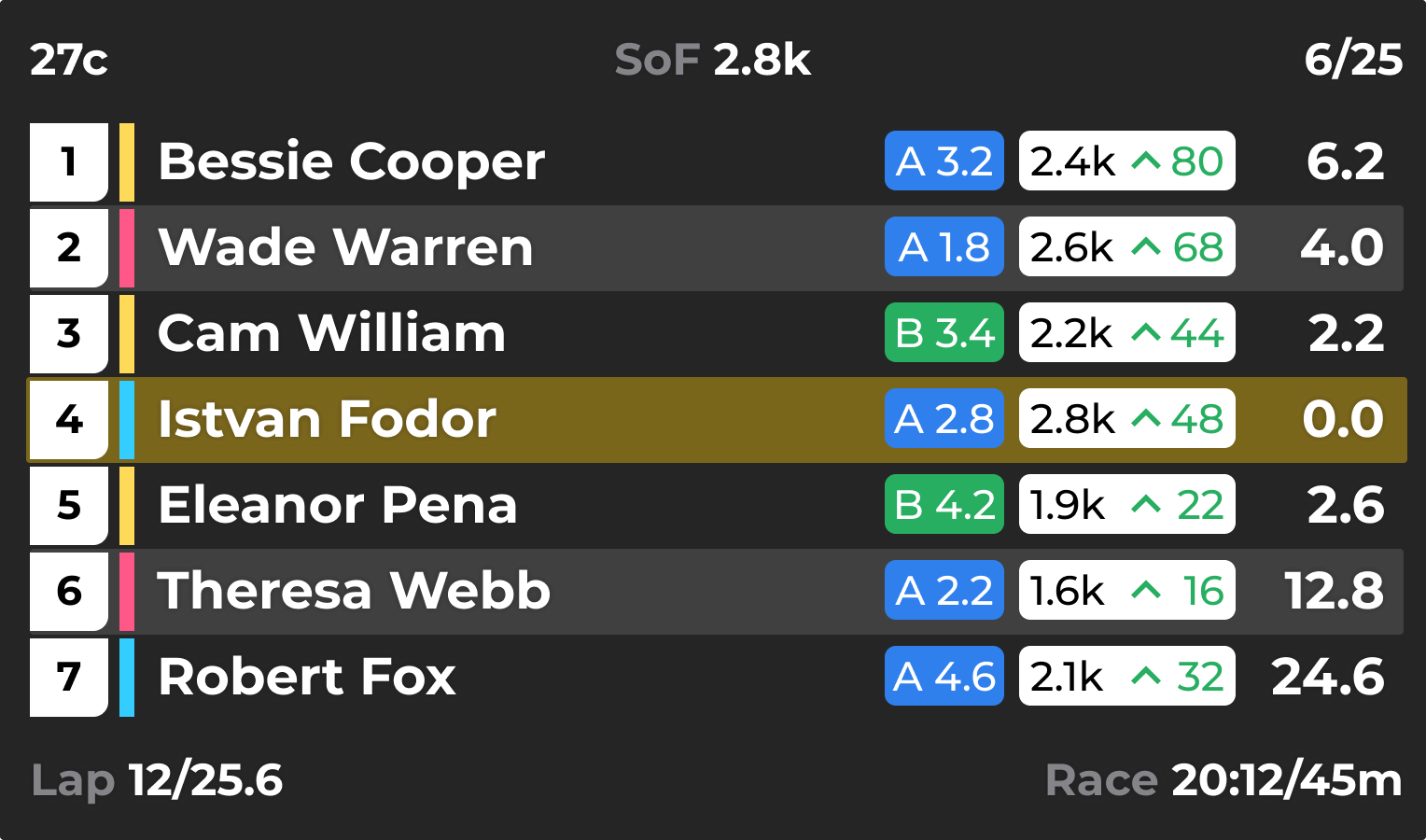
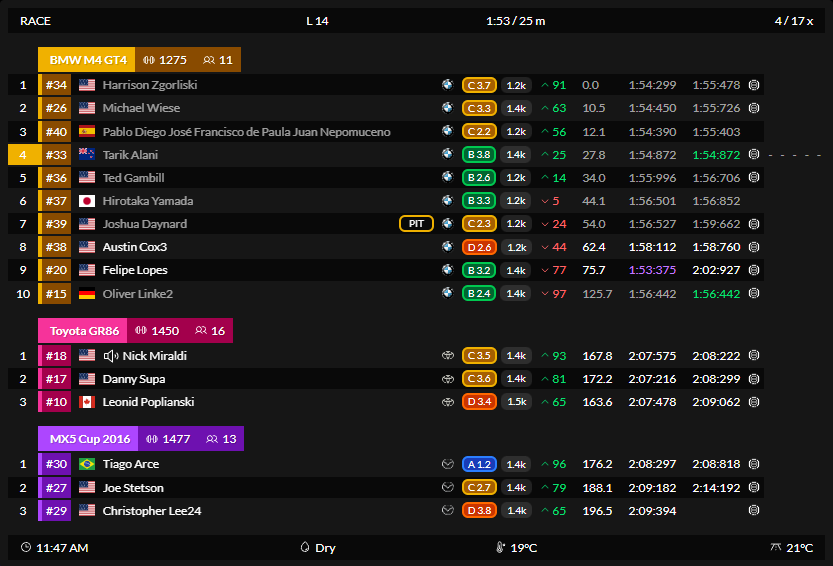
Multiclass standings (BMW M4 GT4, Toyota GR86, MX5 Cup) with class headers, flags, licence/iRating badges, iR change, gap, best/last laps, session header and weather footer; black theme
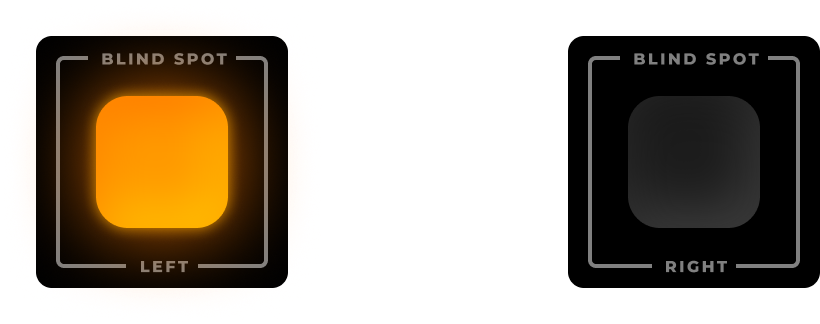
Animated GIF: top-down close-range radar, road strip with player car, nearby cars with gap labels, CRASH 248m hazard warning at top, distance rings, closing arcs
Same widget as 'Radar' (released as Close-Range Radar in v2.0.0; that release's GIF is byte-identical to README radar.gif). This image is the Radar settings page with a live preview thumbnail at right
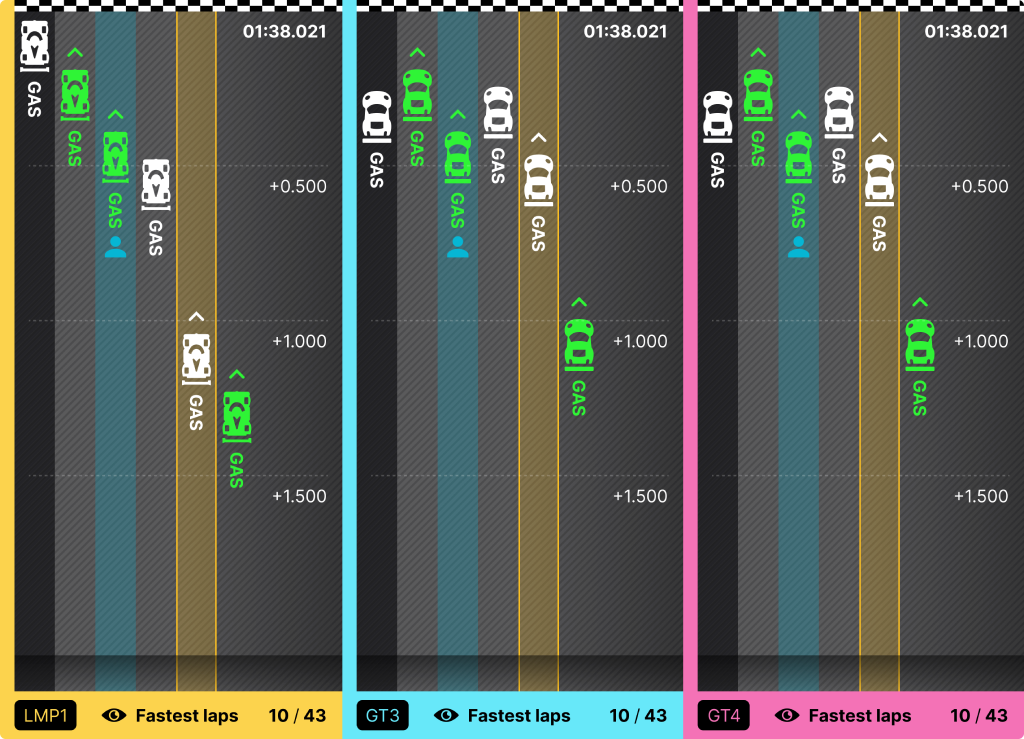
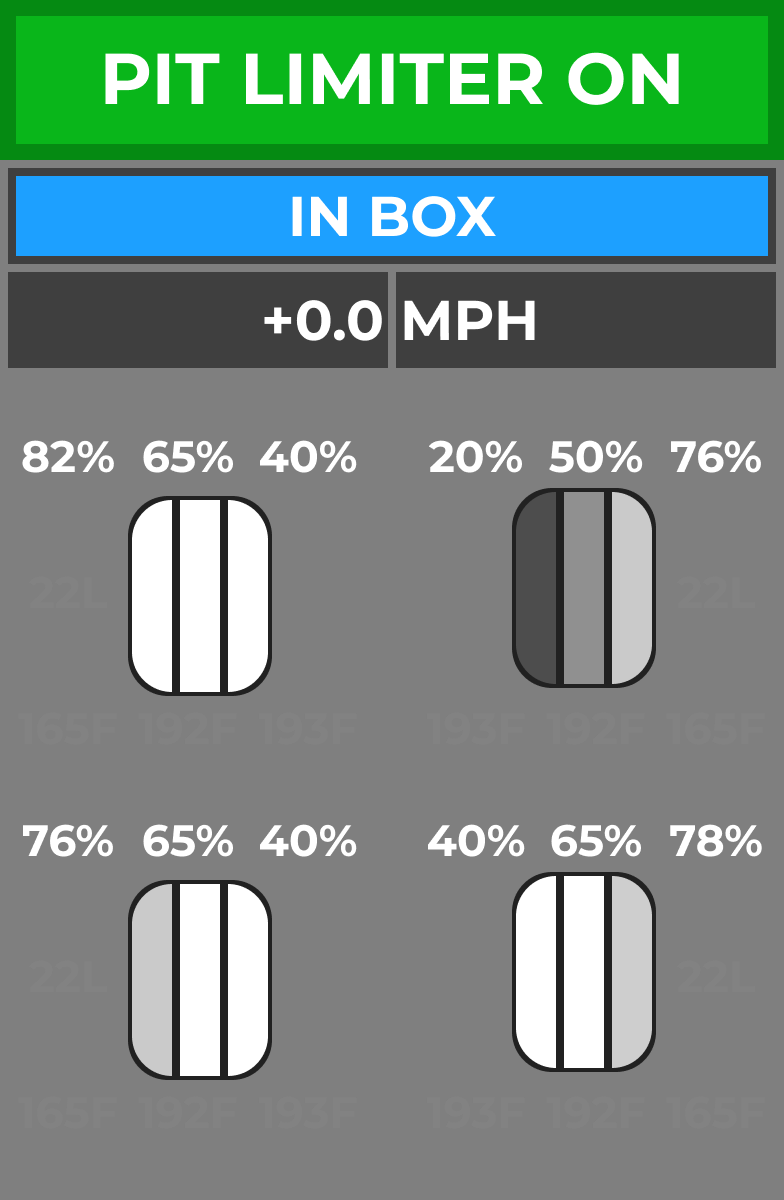
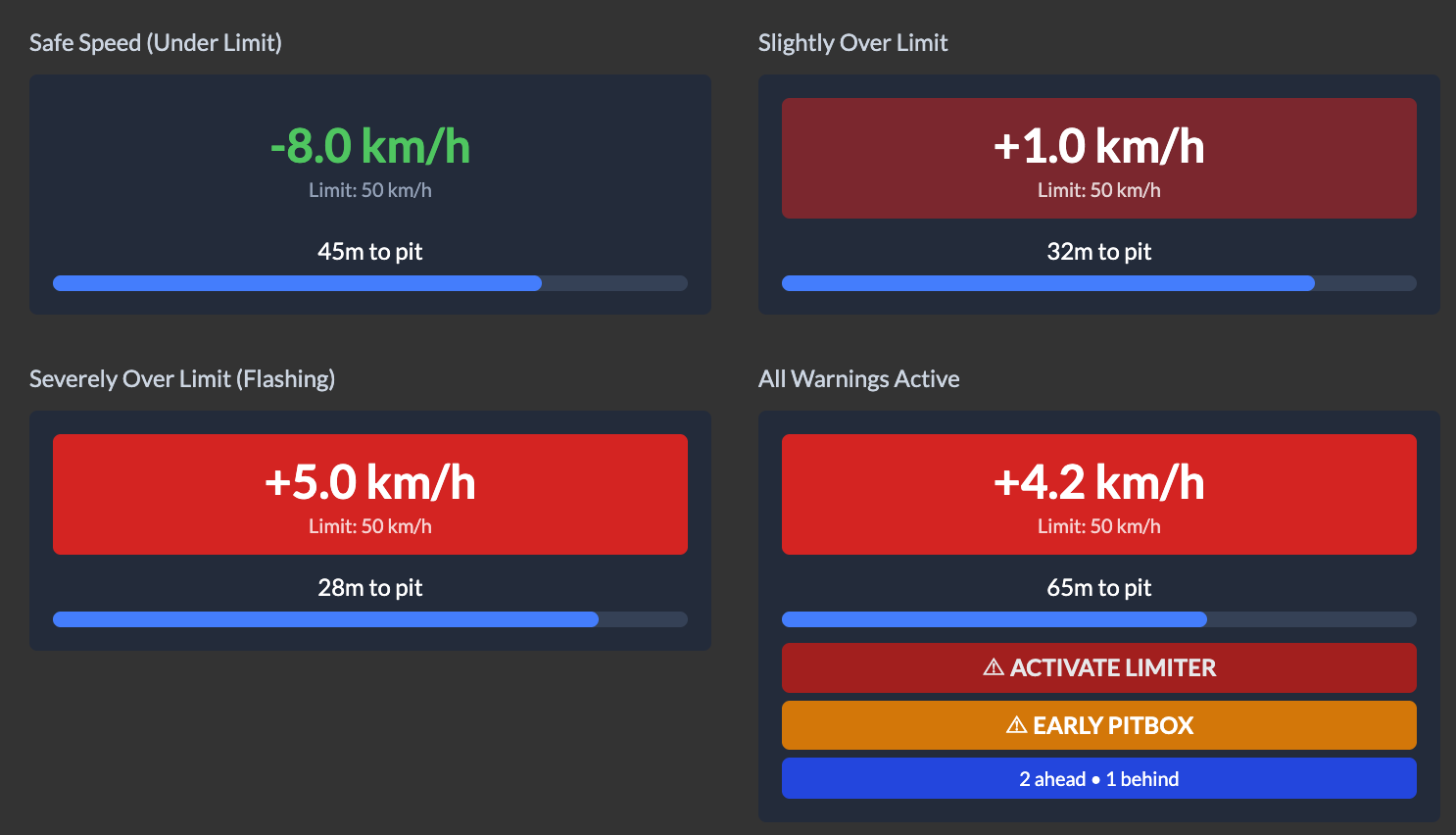
Four labelled states: under limit -8.0 km/h, slightly over, severely over, all warnings (ACTIVATE LIMITER, EARLY PITBOX, 2 ahead 1 behind), each with distance-to-pit bar
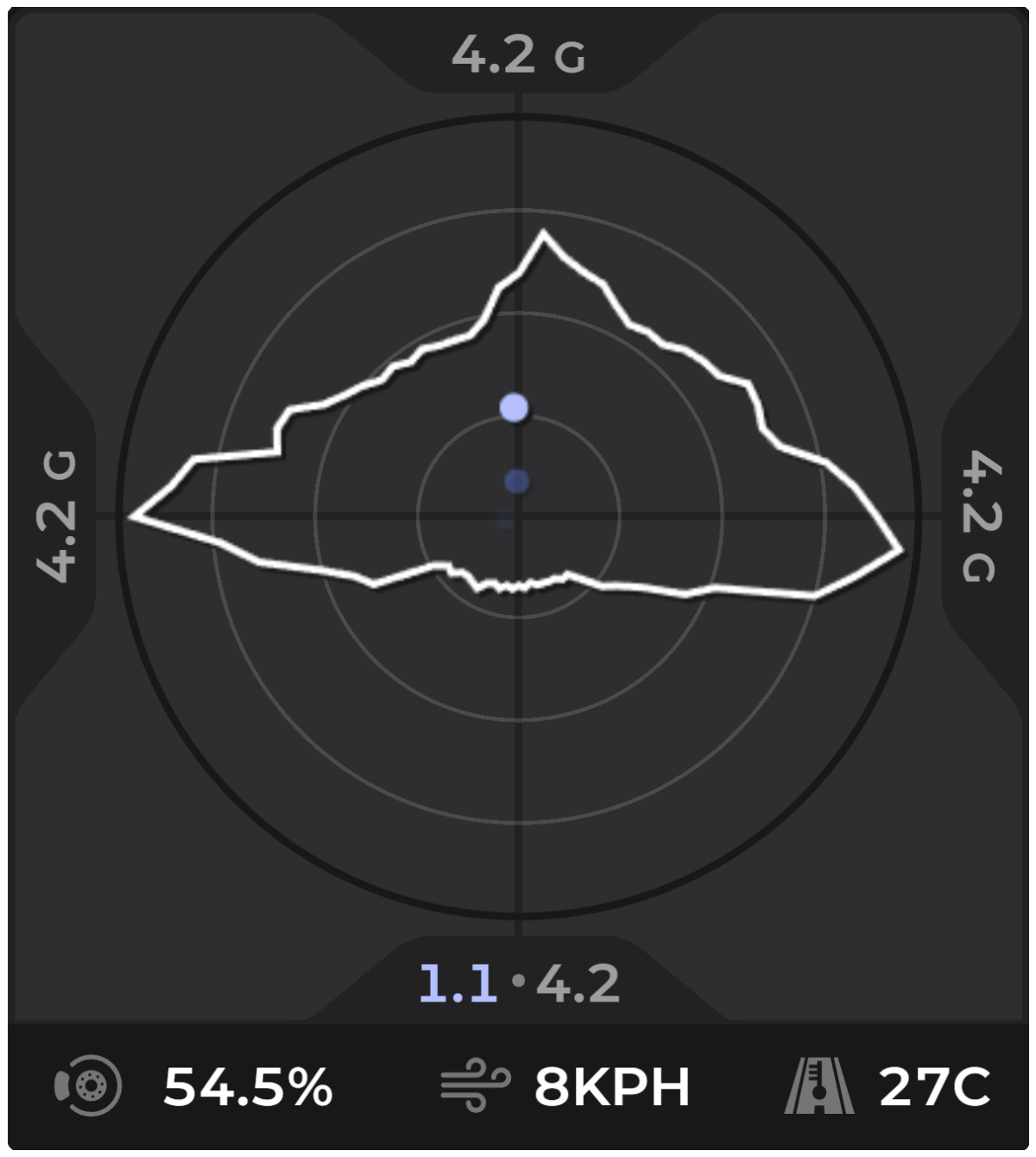
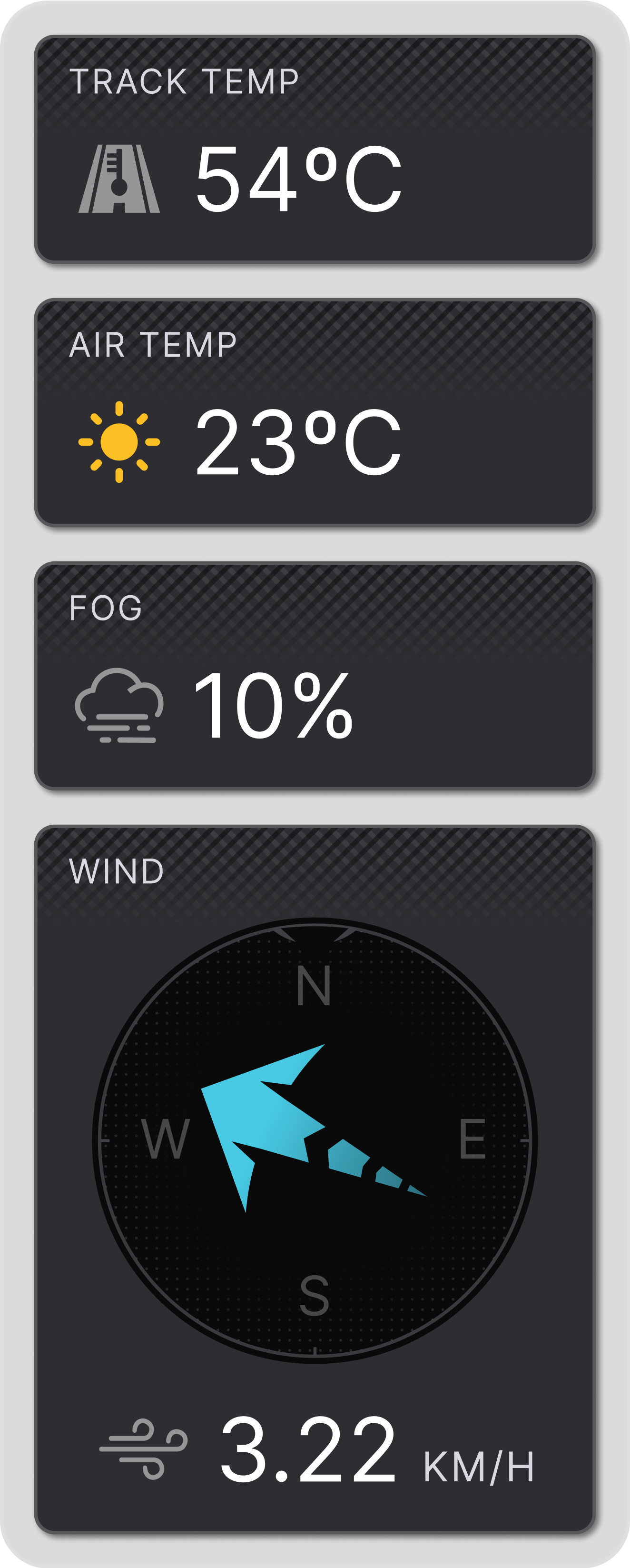
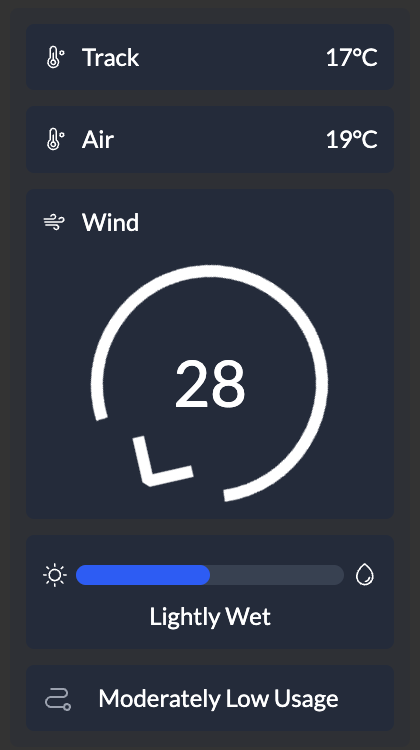
No still image of the standalone Wind widget exists (its release demo is an mp4). This is the Weather settings page with the Weather widget's built-in wind compass (35) at right - same compass design, but inside the Weather widget
Panel 'Telemetry Inspector' listing Speed, Session Time, Throttle, Lap Distance, Track Temp, Track Name (virginia 2022 full), Track Length, Team Racing
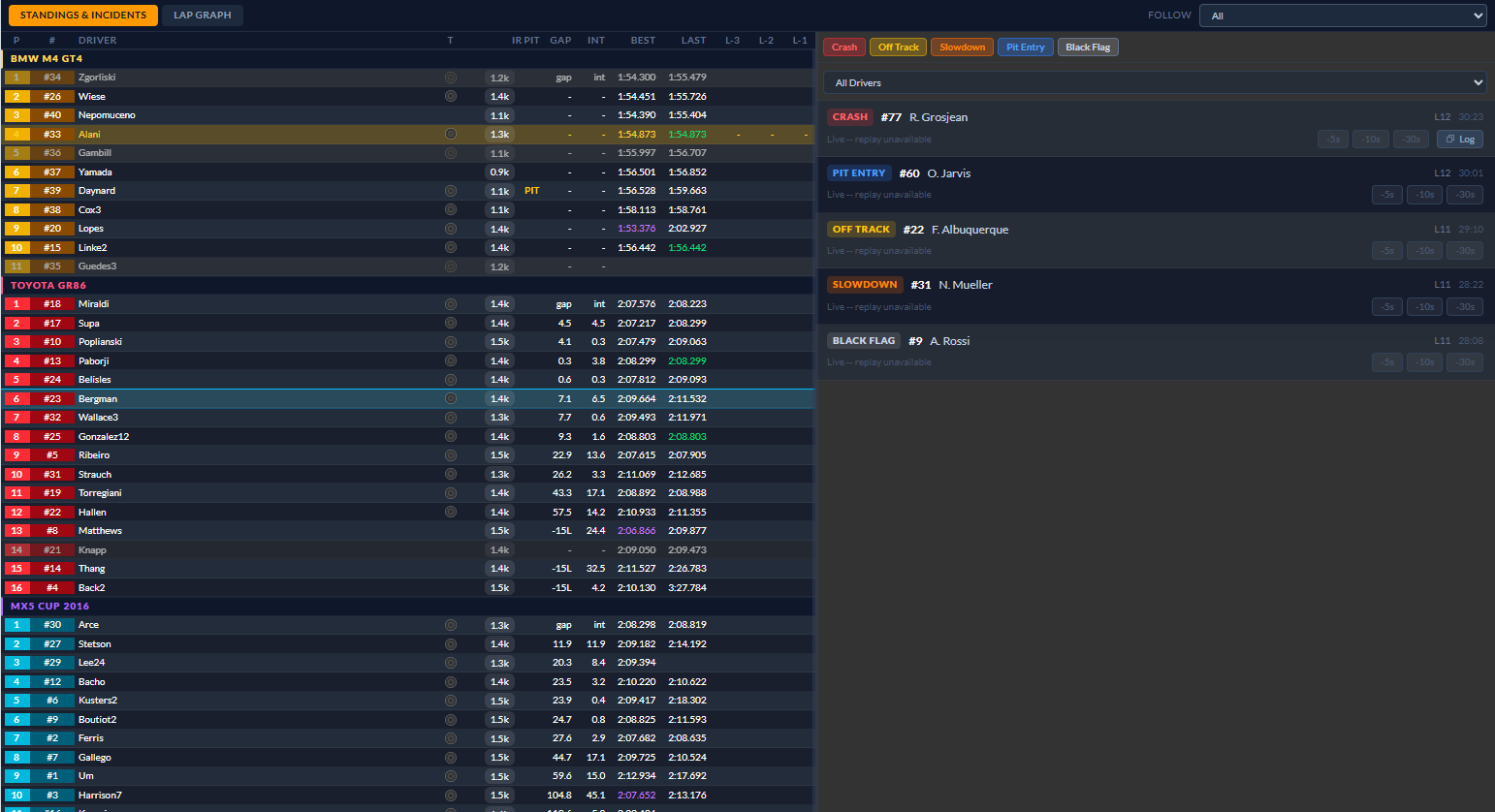
Separate window: Standings & Incidents tab, multiclass standings with L-3/L-2/L-1 columns on left, incident feed (CRASH, PIT ENTRY, OFF TRACK, SLOWDOWN, BLACK FLAG) on right
Gantry Lap Graph tab: class selector, Trace/Position/Gap axis, seconds gained/lost vs reference per lap for BMW M4 GT4 drivers (laps 2-28), driver list at right
No public screenshot found: Shift Light - standalone widget added in v2.0.0 (PR #746 has no screenshots; README and release notes have no image). Nearest images are the Tachometer's shift LEDs, a different widget, Wind (standalone widget) - only an mp4 in the v0.6.0 release notes; listed above with low confidence via the Weather widget's compass, Broadcast / BroadcastEvents / BroadcastPodium / BroadcastTicker / BroadcastWeather - component folders exist in src/frontend/components on main but are not in README, release notes or the v2.0.0 settings widget list; no images, irdashies.com has no widget screenshot files: the site renders widgets live from the React components (static assets are only hero-bg.webp, logo.svg, preview-bg.mp4), Storybook is local-only (npm run storybook); no published Storybook URL found
iOverlay
92.0 FPS · −5.1 % · 100 stuttersFree / Pro €4.95 mo · €29.95 yrWindows app, iRacing only, VR via OpenKneeboardsite ↗
Standings
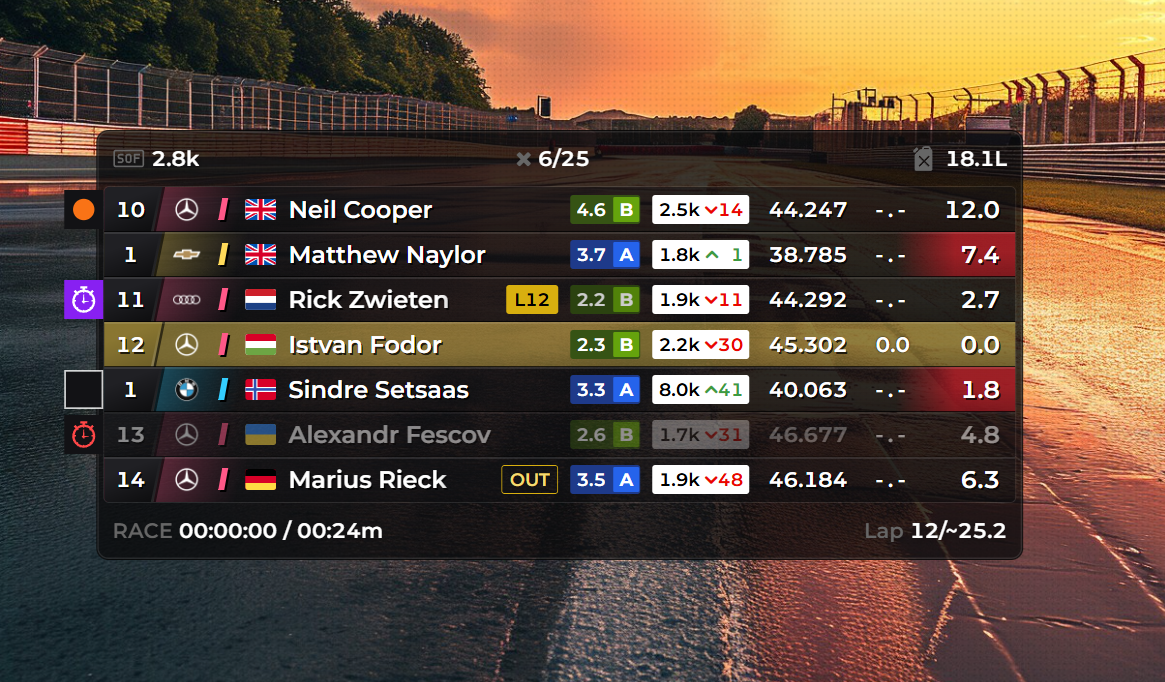
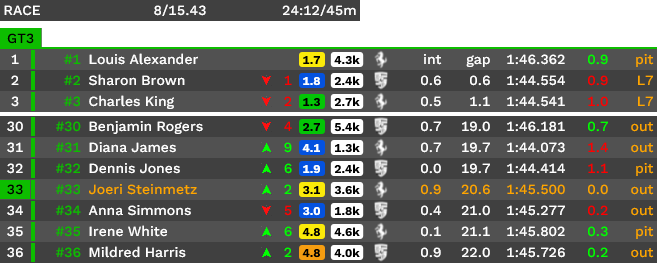
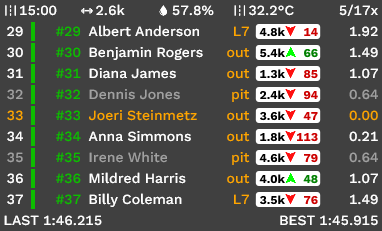
Under 'Overlays overview > Standings' heading. Race standings card 657x~265: header (RACE, lap 8/15.43, 24:12/45m), GT3 class bar, rows pos / #num / name / pos gained arrows / licence-coloured SR chip / iRating (4.3k) / brand logo / int / gap / last lap / delta / pit-status (pit, L7, out). Own row orange. Top-3 then gap then rows 30-36.
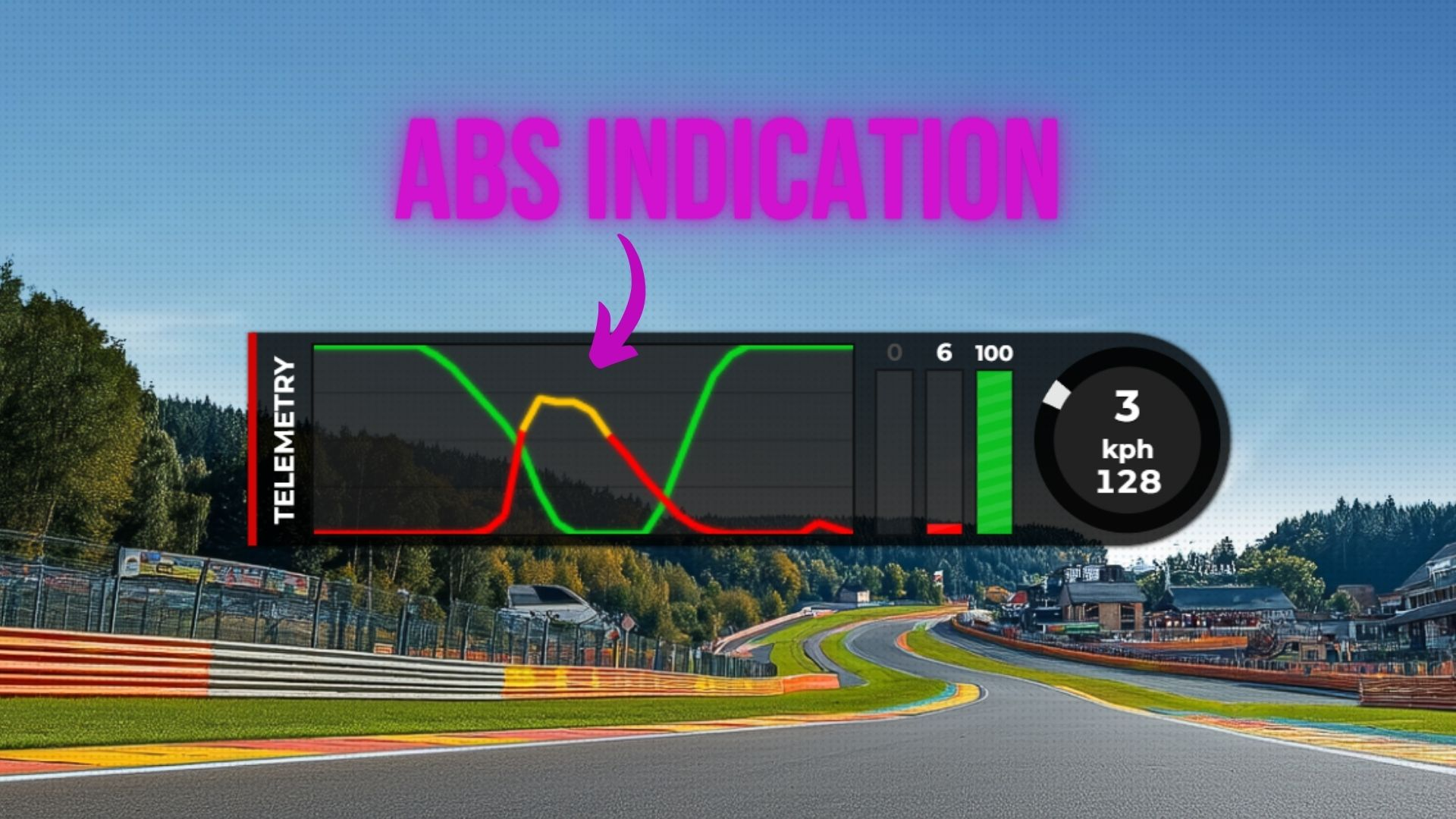
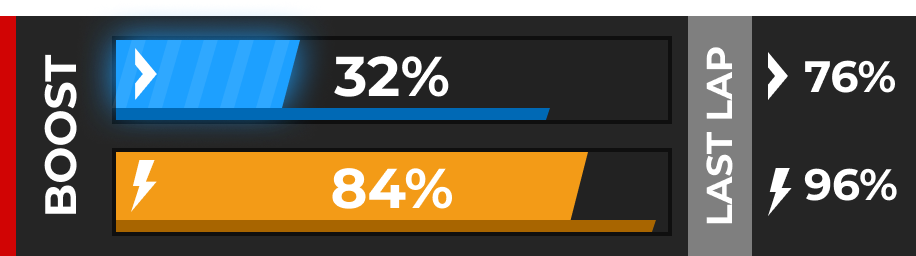
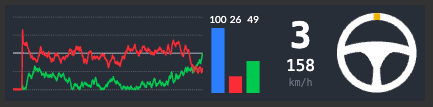
Under 'Inputs' heading. Thin strip 457 px: gear 3 + speed 102, three vertical pedal bars (0/0/46 numbers), steering-wheel angle glyph, scrolling throttle (green)/brake (red) trace graph. No rev lights or boost meter visible in this crop; the overview screenshot (ioverlay-overview.png, bottom centre) shows the same widget WITH a 10-dot rev-light row and an ABS indicator.
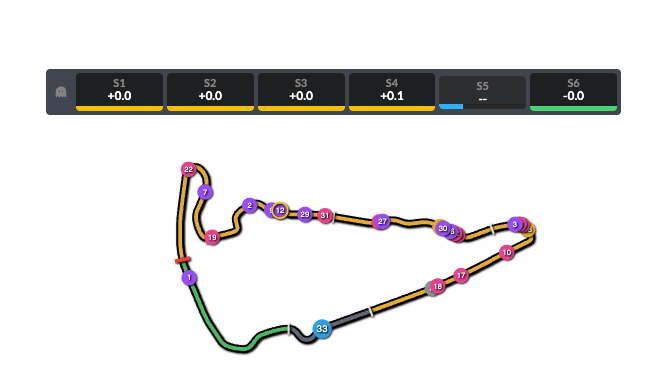
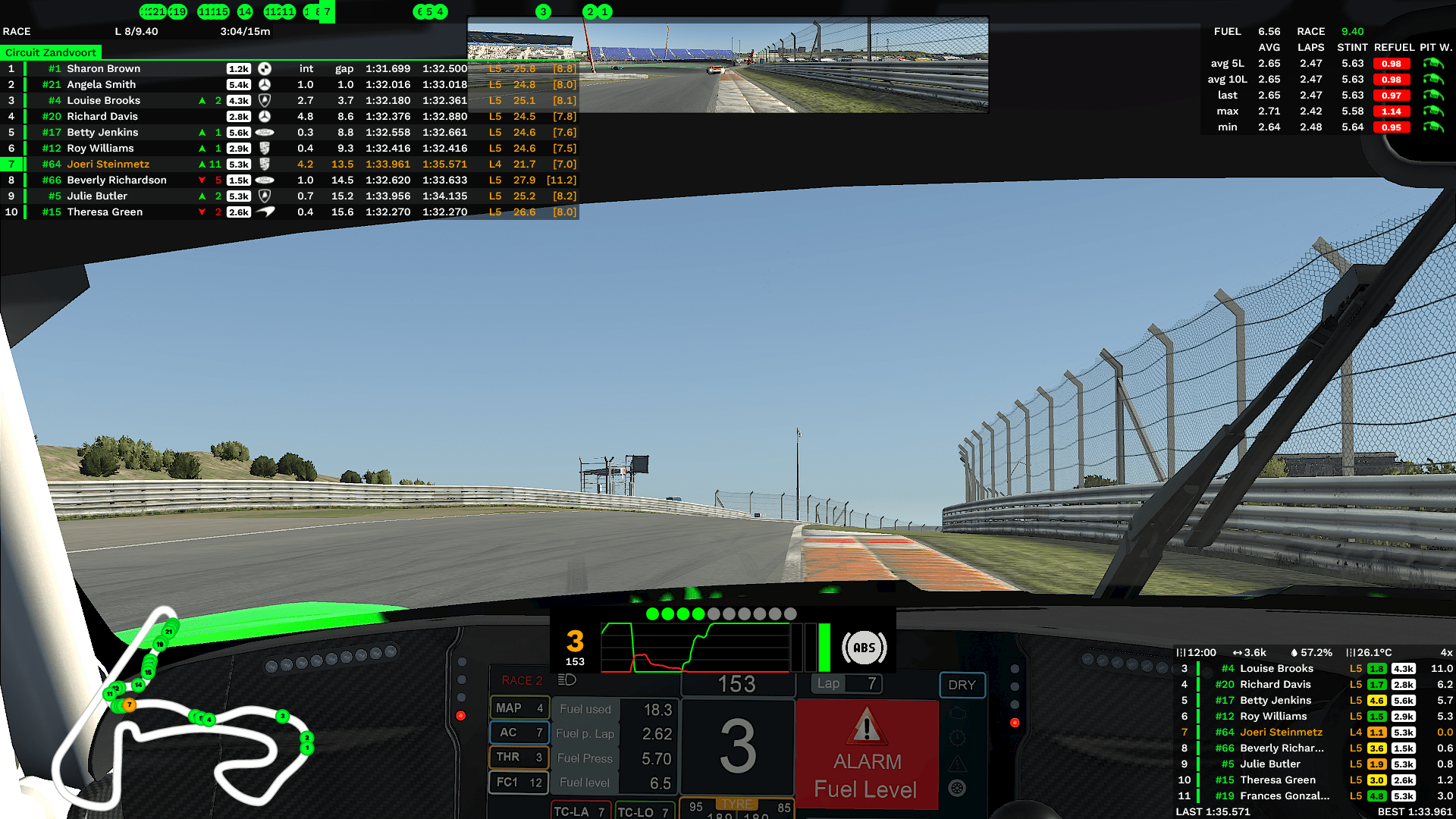
No dedicated track-map image on the site. Full 1920x1080 in-car 'Overview' screenshot (Zandvoort, iRacing cockpit) has the track map in the bottom-left corner: white track outline with green numbered car dots, own car orange. NO corner numbers/names visible, so the corner-name feature is not shown. Image also contains standings (top-left), fuel (top-right), inputs (bottom-centre), relative (bottom-right).
Not labelled anywhere. Inferred: the same overview screenshot has a horizontal strip at the very top (y~0-30) of green numbered car dots with own car (7) in a green box; car order matches the track-map dot order (21,19,15,14,11,7 ... 5,4,3,2,1), consistent with a linear 'flat map'. Mapping is my inference from content, not from site text.
Under 'Overview' heading. Whole-screen in-car shot showing the default layout: standings top-left, flat-map strip top, fuel top-right, track map bottom-left, inputs with rev lights bottom-centre over the car dash, relative bottom-right. The top-centre camera image is iRacing's own virtual mirror, not an iOverlay widget.
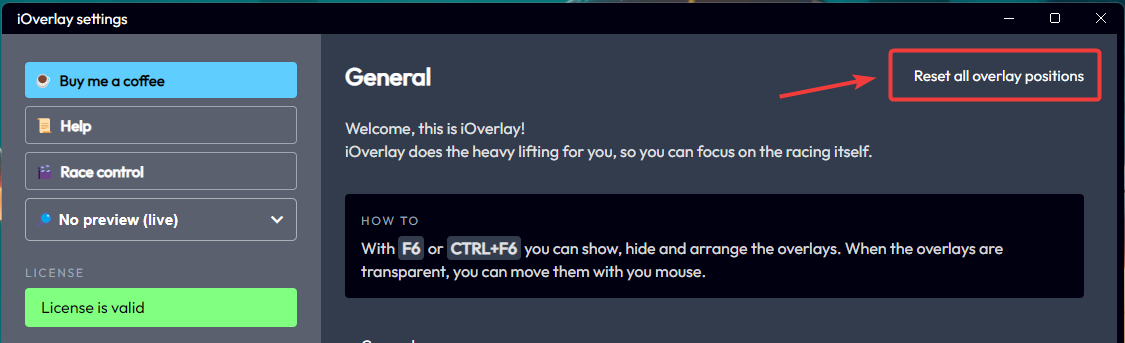
Help/FAQ 'Reset overlay positions' screenshot of the iOverlay settings window: left menu (Buy me a coffee, Help, Race control, 'No preview (live)' dropdown, License is valid), General page with F6 / CTRL+F6 arrange hint and 'Reset all overlay positions' button. Only evidence of Race control is this menu button; no race-control panel image.
No public screenshot found: Spotter + incident indicator (feature listed in Pro tier text only; no image), Pit entry/exit helper (text only; no image), Multiclass traffic indicator (text only; no image), Race control panel (text only; only a 'Race control' menu button in the settings-window help screenshot), Twitch chat (text only; no image), Garage/setup cover (text only; no image), Track map with corner names (only a corner-name-free map inside the overview composite), Rev lights / boost meter as a dedicated image (rev lights visible only in the overview composite; boost meter not shown anywhere)
Lovely Pit Wall
80.2 FPS · −17.2 % · 247 stuttersDashboards free / Pit Wall Pro €3 mo / Team Pro €15 moSimHub dashboard for a big screen, multi-sim, TeamLINQ remote telemetrysite ↗
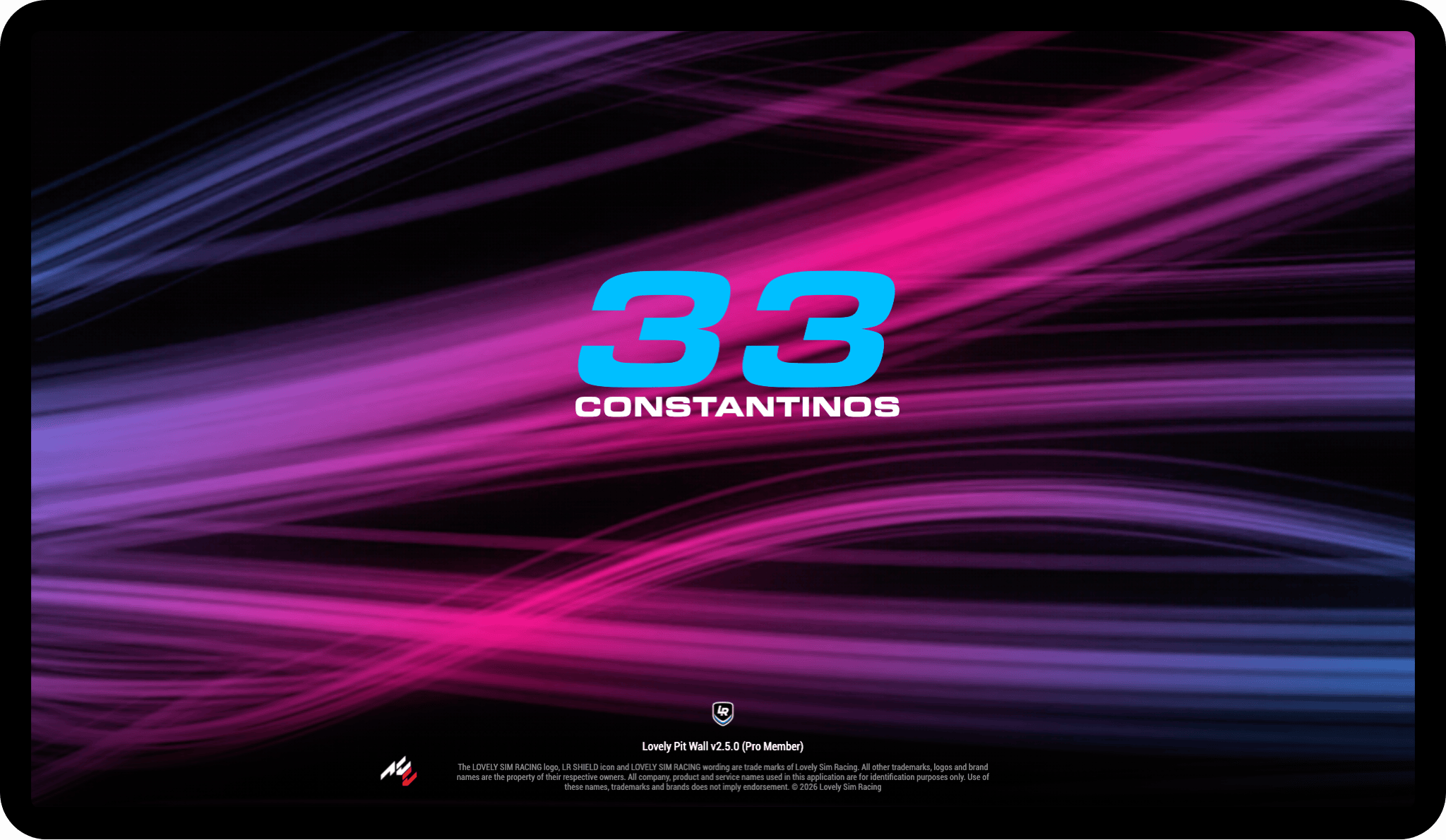
Pit Wall - Idle screen
Store carousel caption 'Idle Screen'. Landscape: large car number 33 + driver name CONSTANTINOS over a pink/purple light-streak background, 'Lovely Pit Wall v2.5.0 (Pro Member)' footer.
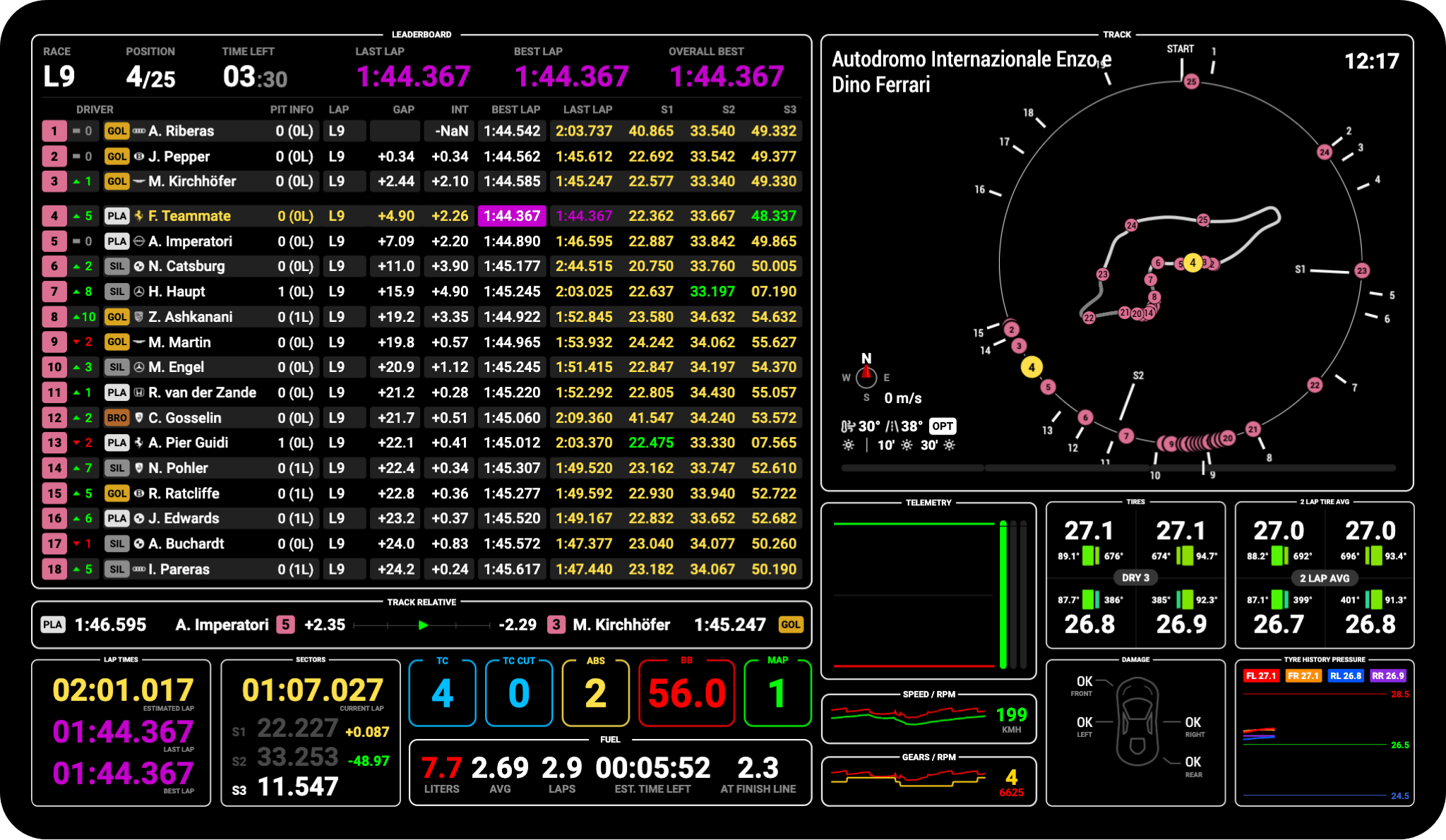
Store caption 'Leaderboard Screen' (Imola). Header race lap / position / time left / last / best / overall best; 18-row table with position-change arrows, licence/class-colour chips (GOL/PLA/SIL/BRO), pit info, gap, int, best/last, S1-S3; track relative bar; right side round track map with weather; bottom lap times, sectors, TC/TC CUT/ABS/BB/MAP tiles, FUEL panel, tyres, 2-lap tyre avg, damage, tyre-pressure history. Overall order, not a class-filtered view.
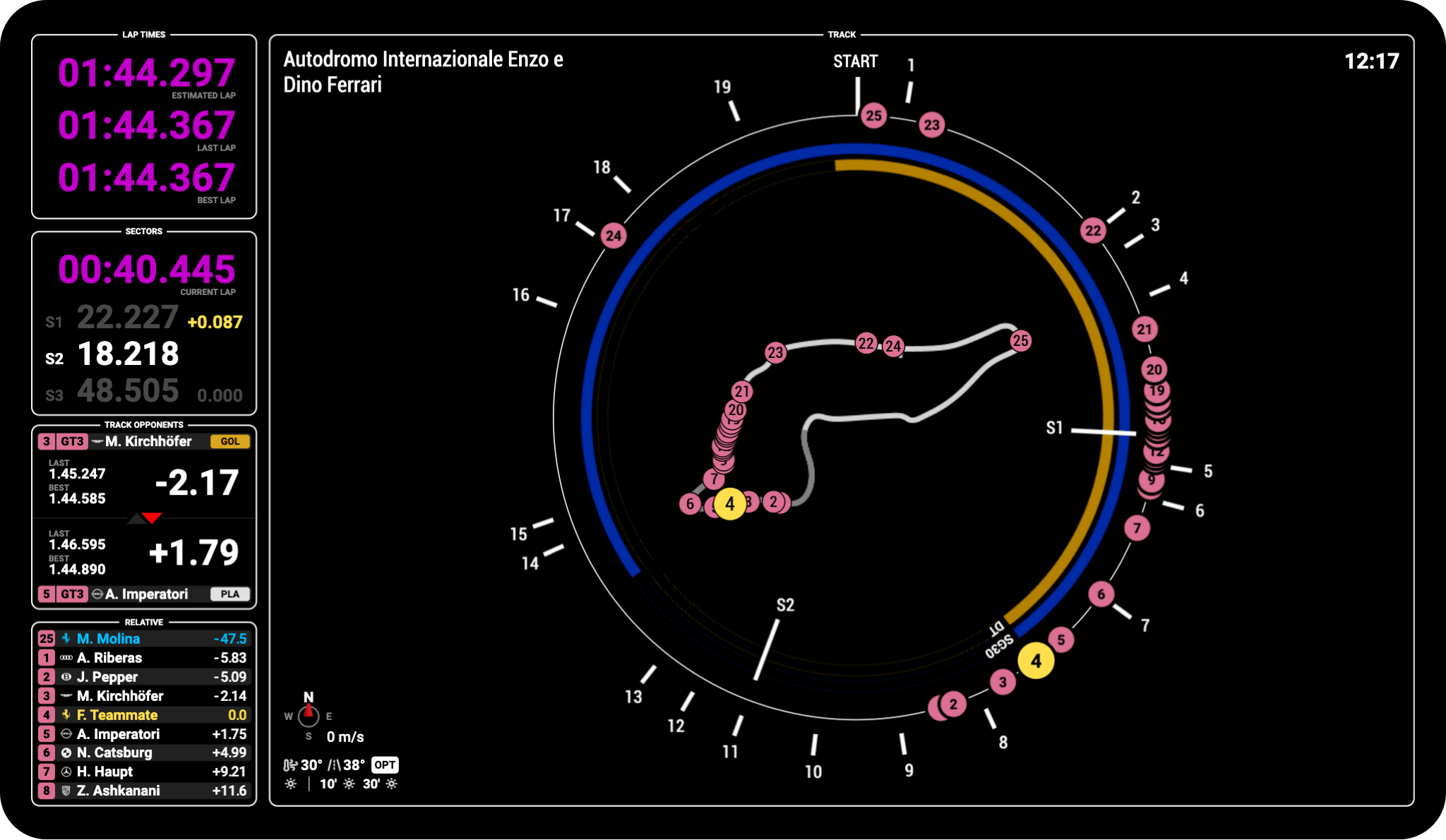
Store caption 'Map Screen'. Full-height circular track ring (corner numbers, S1/S2, car dots) wrapping a track outline, with blue and amber arcs on the ring (one labelled 'SG30 DT'); left column: lap times, sectors, track opponents (car ahead/behind with gaps), relative list.
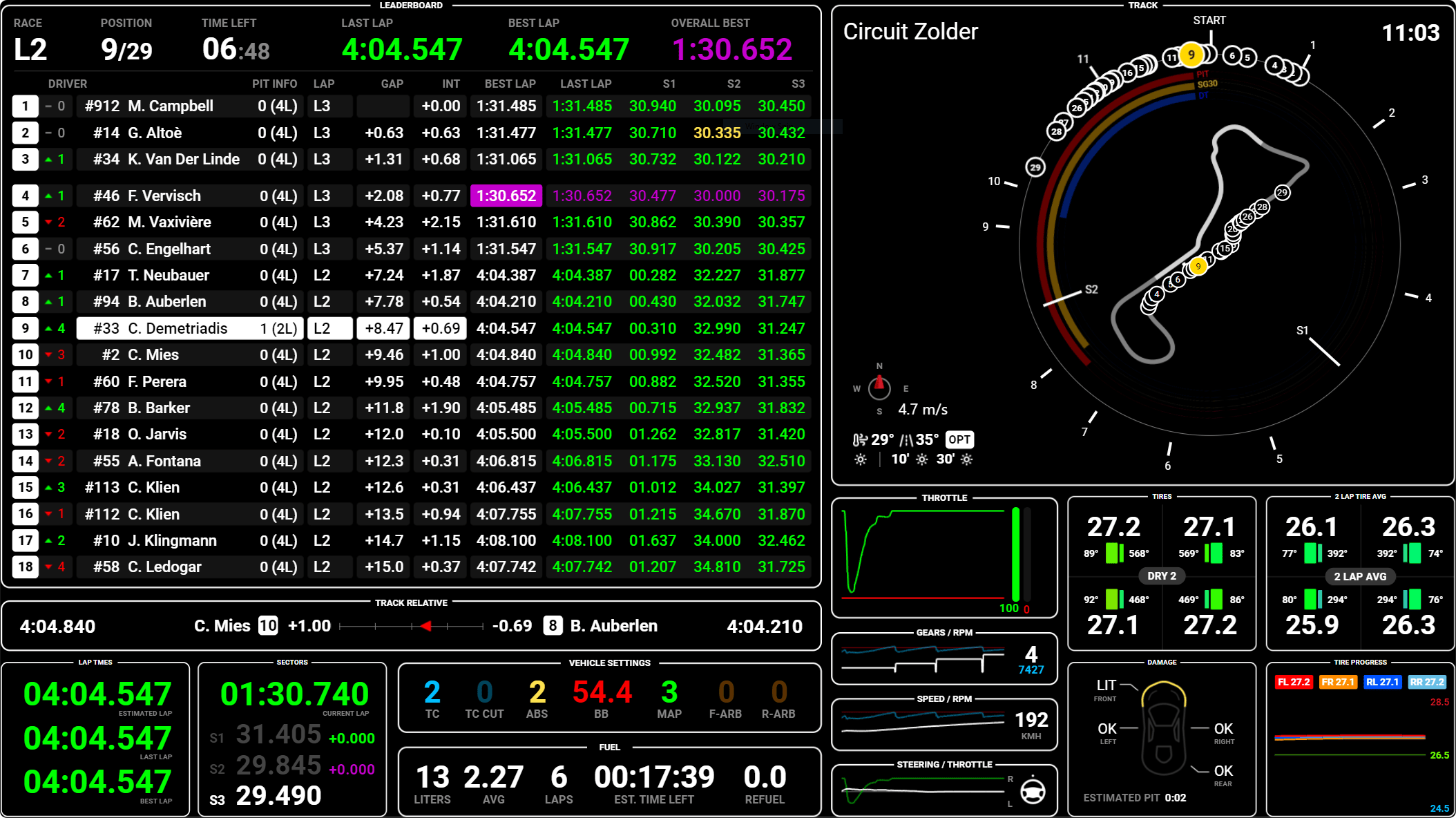
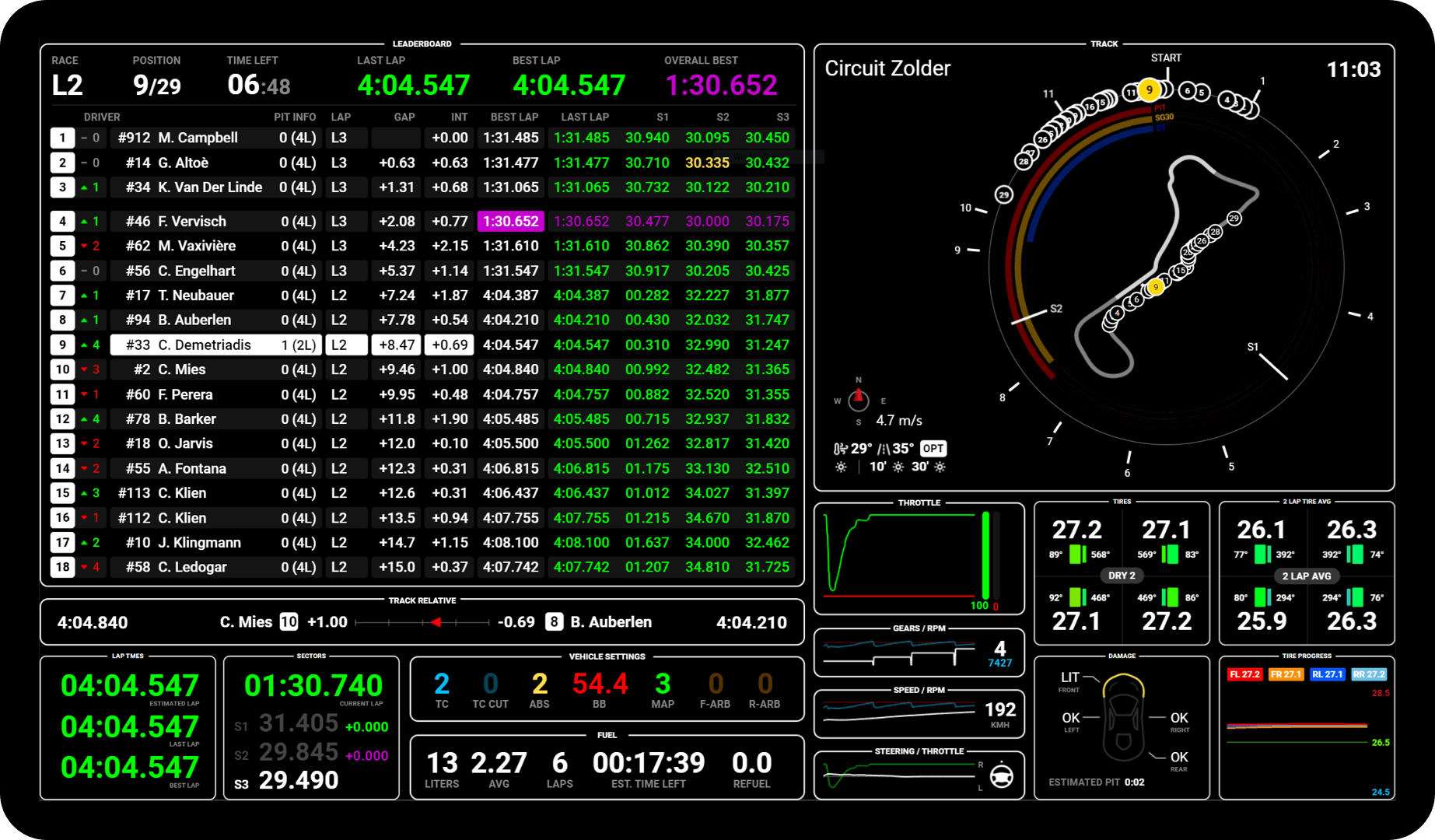
Full Pit Wall leaderboard layout at Zolder; the circular map carries three concentric arcs labelled PIT (red), SG30 (amber), DT (blue) ahead of the player's car. Reading them as projected rejoin points for a pit stop / 30 s stop-go / drive-through is my inference from the labels - no caption or doc text found confirming what the arcs mean. Same arcs (unlabelled except 'SG30 DT') are on the store Map Screen image.
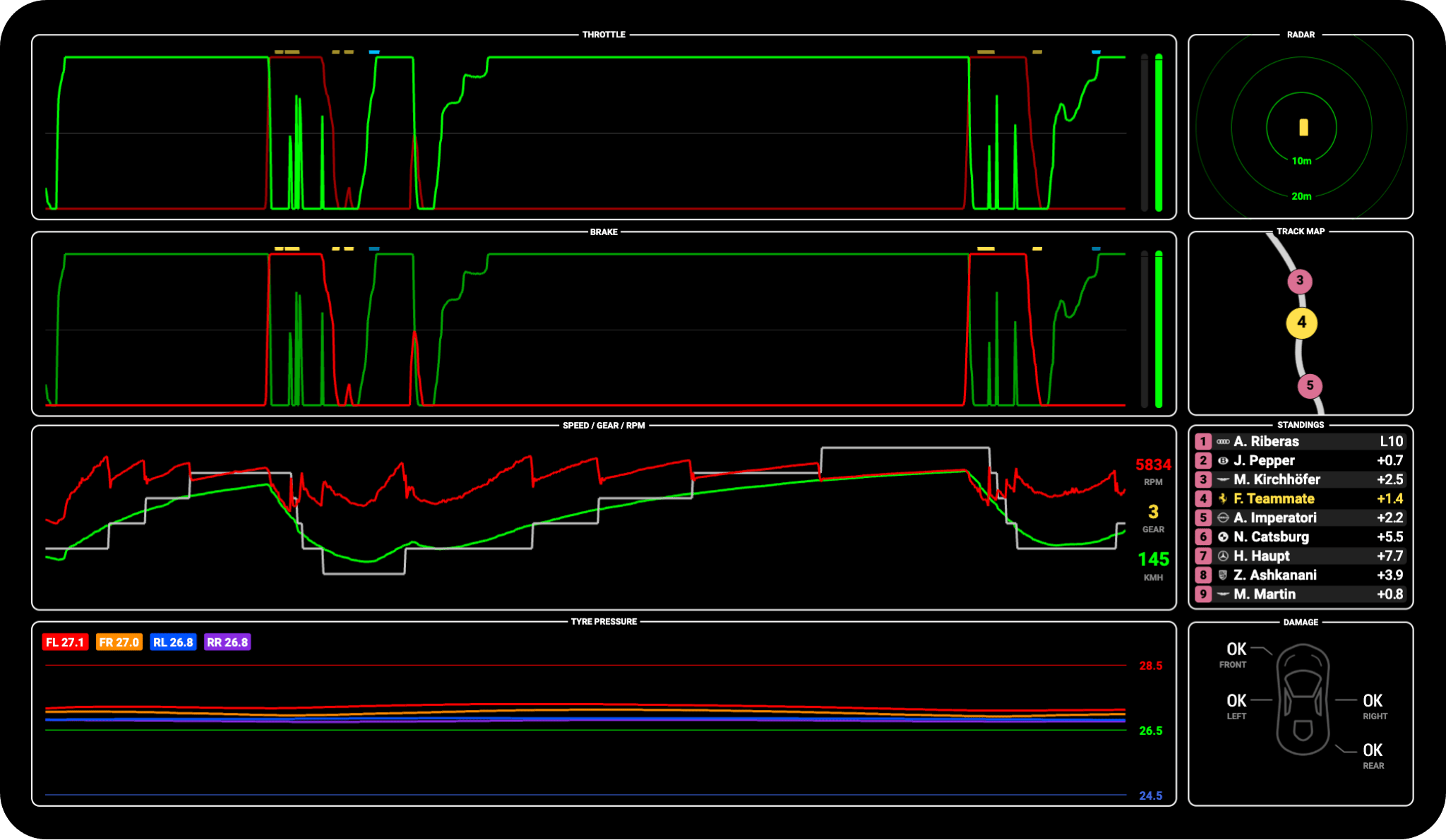
Store caption 'Telemetry Screen'. Scrolling traces: throttle, brake, speed/gear/RPM, tyre pressure (FL/FR/RL/RR); right column: radar (10 m / 20 m rings), local track-map strip with nearby cars, mini standings, damage diagram.
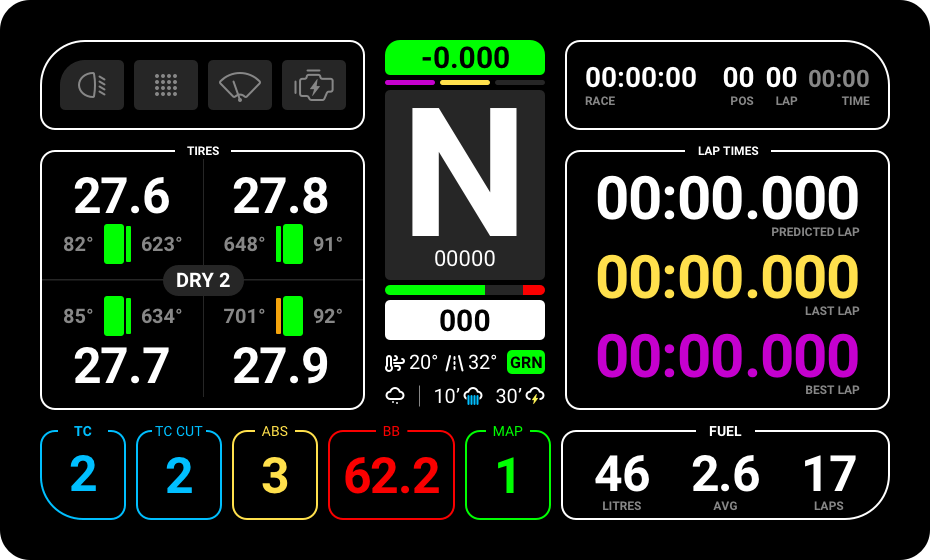
Not an isolated shot: the panel titled FUEL at bottom-centre of this Pit Wall screen - LITERS 13 / AVG 2.27 / LAPS 6 / EST. TIME LEFT 00:17:39 / REFUEL 0.0. The store Leaderboard image shows the same module with 'AT FINISH LINE' instead of REFUEL. Release notes mention a selectable Fuel vs Virtual Energy module; no image of the Virtual Energy variant found.
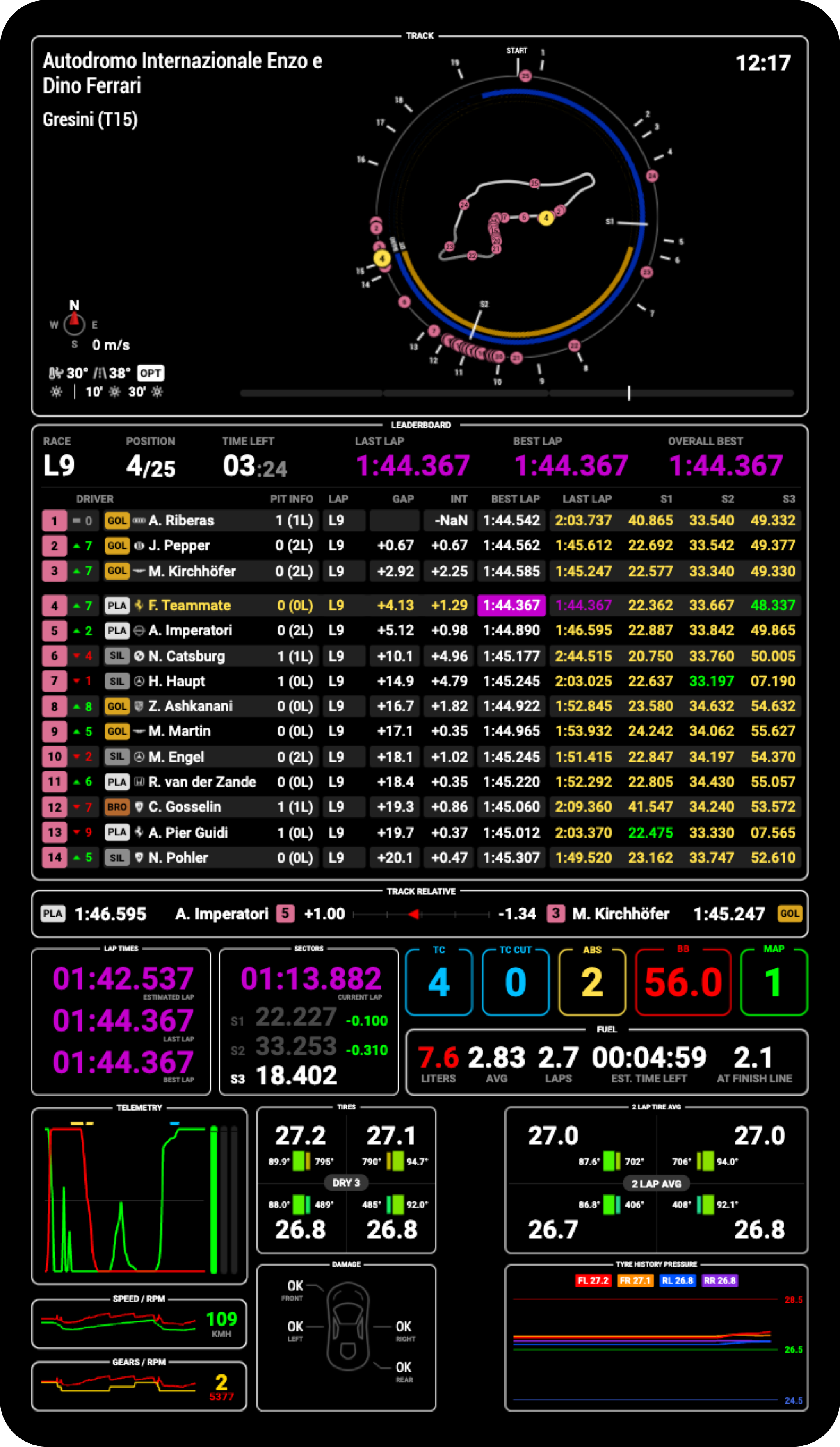
Store 'Pit Wall Portrait Preview' carousel, caption 'Leaderboard Screen'. Vertical stack: track ring map with pit arcs and corner name 'Gresini (T15)', leaderboard (14 rows), track relative, lap times/sectors/TC/ABS/BB/MAP, fuel panel, telemetry, tyres, damage, tyre history. Siblings: portrait-1lrg (idle), portrait-3lrg (map), portrait-4lrg (telemetry), same base URL.
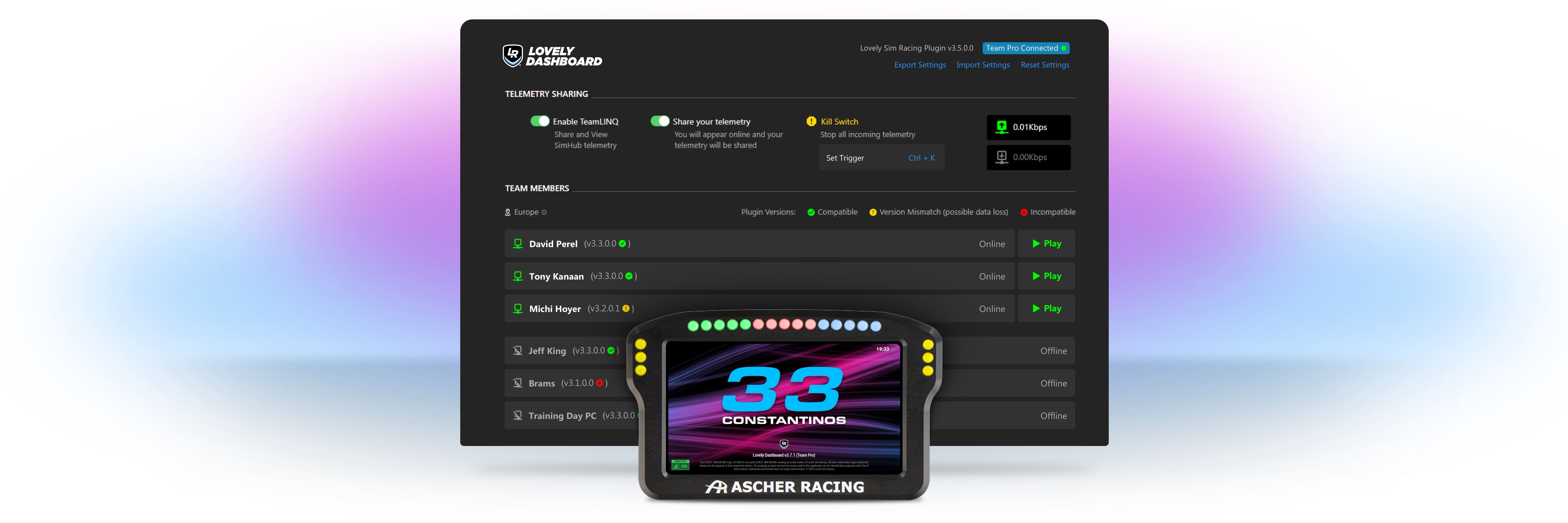
Lovely Dashboard plugin settings: TELEMETRY SHARING (Enable TeamLINQ, Share your telemetry, Kill Switch Ctrl+K, up/down kbps), TEAM MEMBERS list with plugin-version compatibility and Online/Offline + Play buttons; an Ascher wheel DDU overlaid in front showing the idle screen.
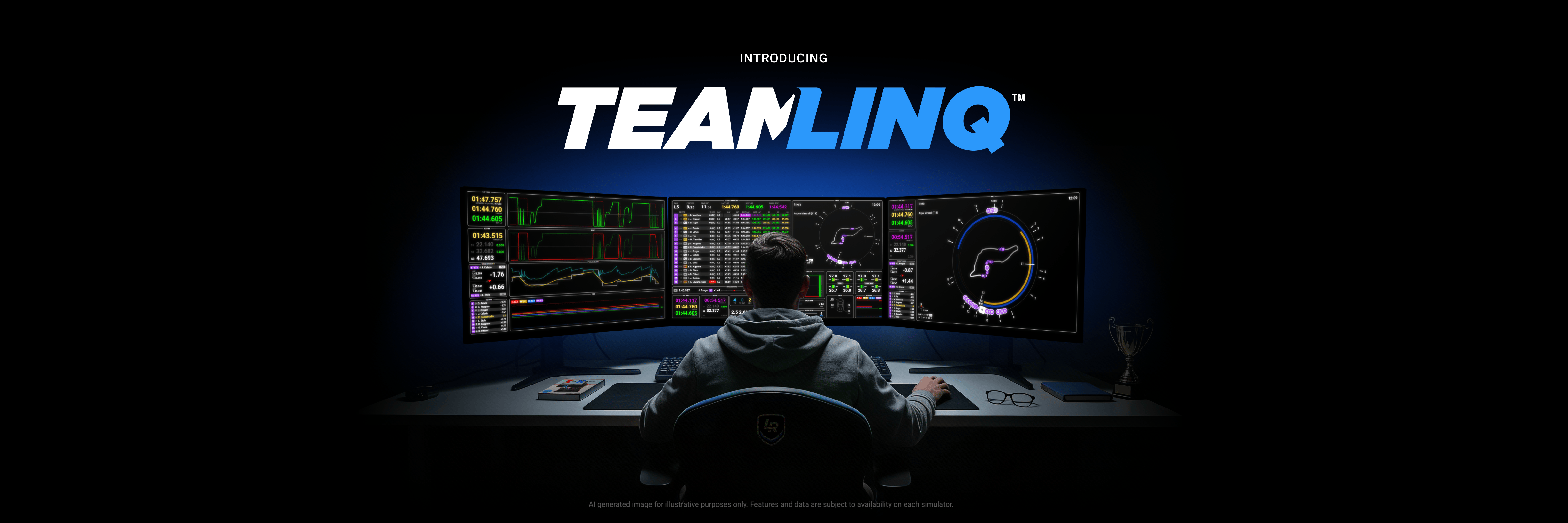
Marketing hero: person at a desk with three monitors showing Pit Wall telemetry, leaderboard and map screens. Image carries the disclaimer 'AI generated image for illustrative purposes only' - not a real UI capture. Larger variant: GitHub docs/images/teamlinq-featured-image.jpg (shows 'CLASS LEADERBOARD' header on centre screen, too small to read).
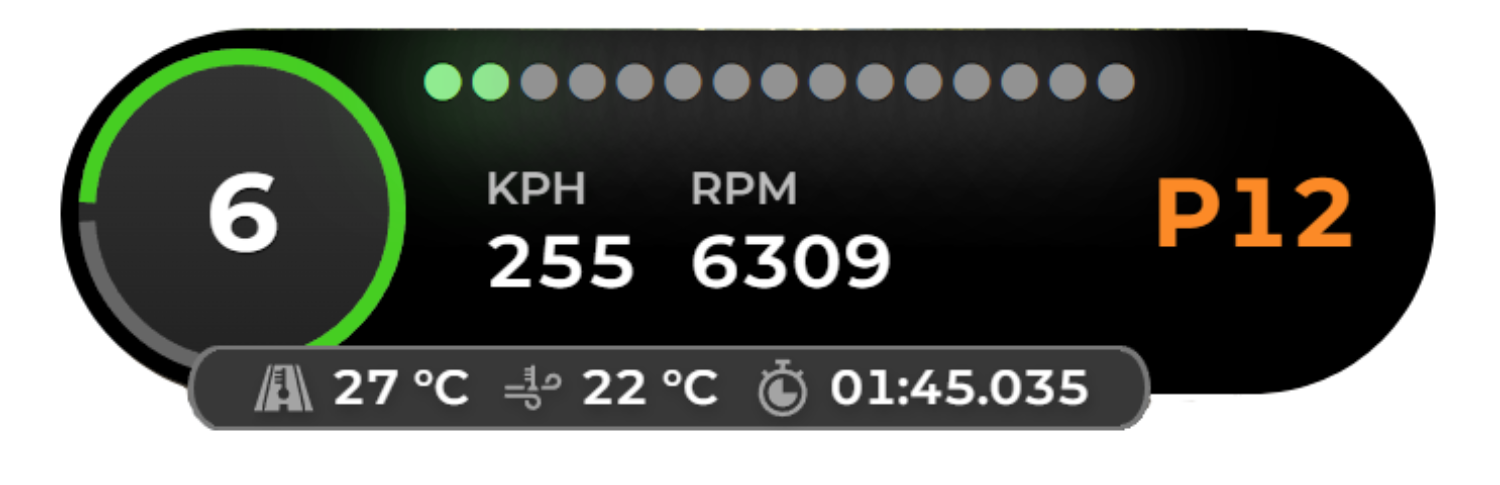
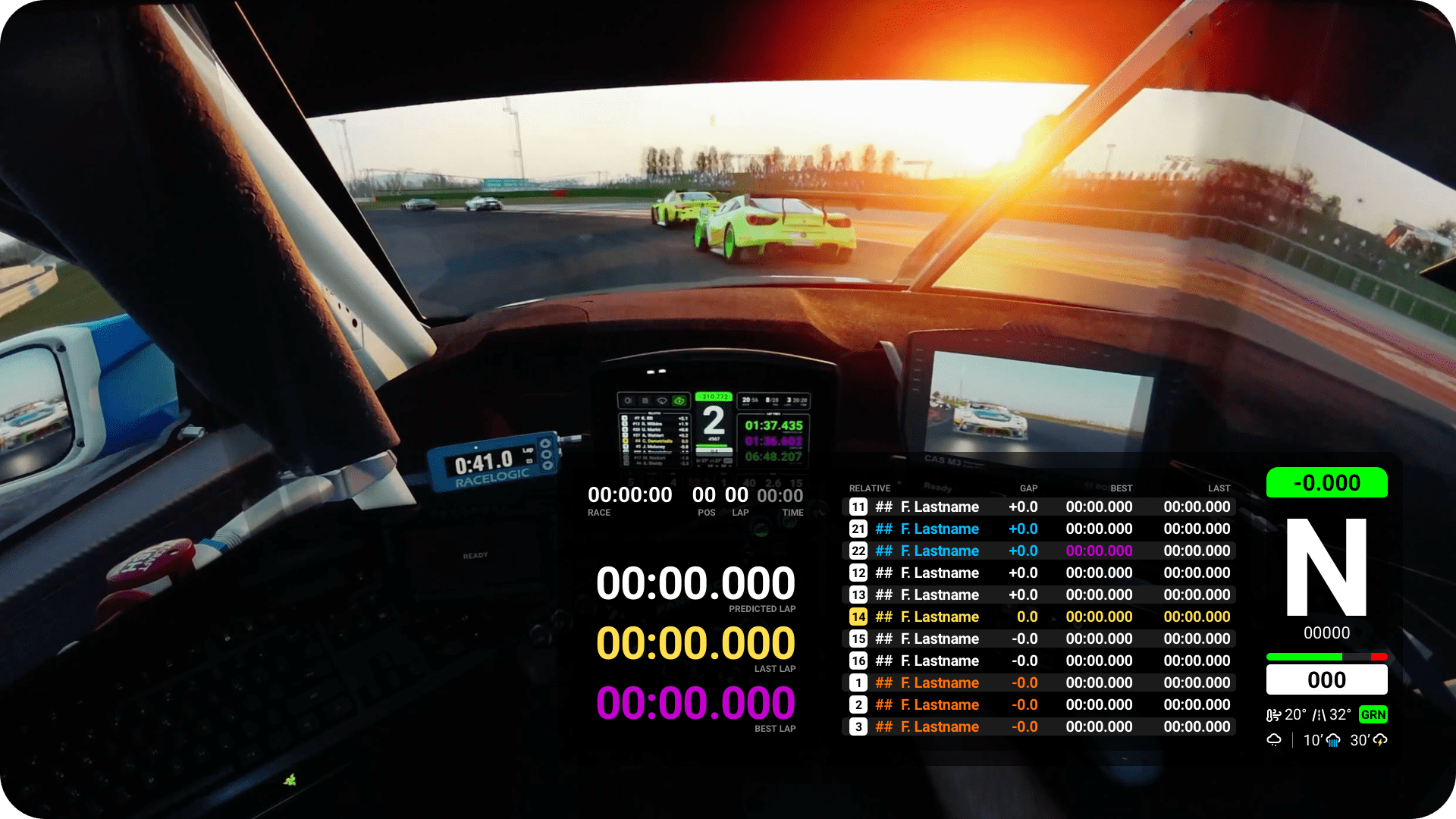
In-car footage with the overlay band across the bottom: race time/pos/lap/time, predicted/last/best lap, 11-row relative (gap/best/last), delta bar, big gear N + speed, rev bar, temps/weather. All values are placeholders (00:00.000, 'F. Lastname') - a layout mock, not live data.
No public screenshot found: Class-filtered leaderboard: release notes mention a 'Pit Wall Class Leaderboard', but no legible public screenshot found (only a tiny 'CLASS LEADERBOARD' header on the AI-generated TeamLINQ hero image)., Virtual Energy variant of the fuel module: mentioned in release notes, no image found., Isolated fuel-module close-up: fuel only appears as a panel inside full Pit Wall screens., docs.lsr.gg (TeamLINQ developer docs) and its changelog: only logo/badge images, no screenshots., GitHub release bodies (30 latest): no embedded images.
Isolated widget render (724x196): throttle/brake trace graph, three pedal bars (50/50/50), speed 147/180 km/h with gear 3, FF bar, steering-wheel ring, delta tab -0.310 on top. Matches the live 'Input Telemetry' overlay; live versions are the 'Input Telemetry' and 'Essential Inputs' toggles on https://gofast.gg/overlays/.
Live-only: 'Relatives' toggle (off by default) in the Configure Overlays drawer of the 'Everything You Need To GO Fast' preview. No static image on any source page.
Isolated circular radar (320x320, transparent PNG): own car at centre, red wedge with a car on the left, grey wedge with a car on the right. Live version = 'Radar' toggle (canvas) on https://gofast.gg/overlays/.
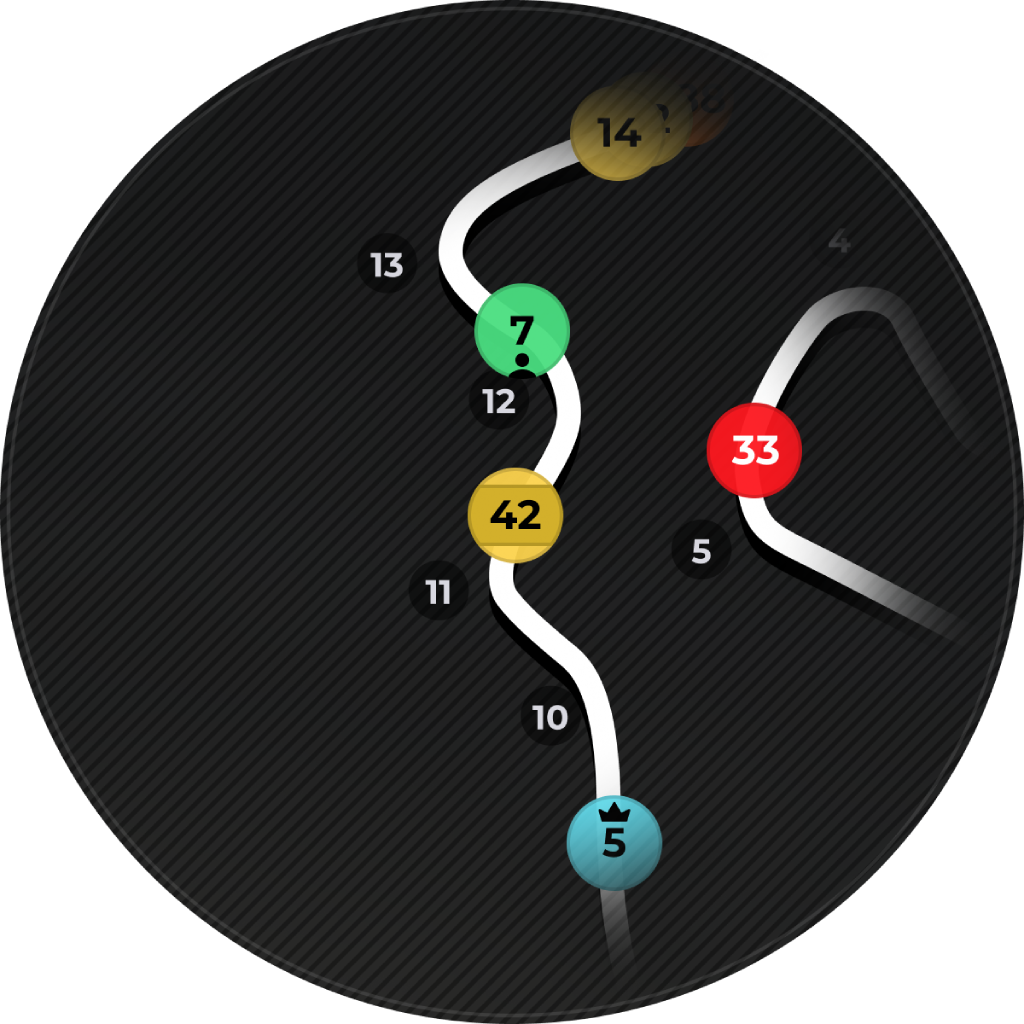
Composite cockpit shot; the top-right circular inset shows a zoomed track section with numbered corner pins 1-4. It is unlabelled, so whether it is the Mini Map, the Track Map or a mock-up cannot be confirmed. Authoritative view: live 'Mini Map' toggle (canvas, off by default) on https://gofast.gg/overlays/.
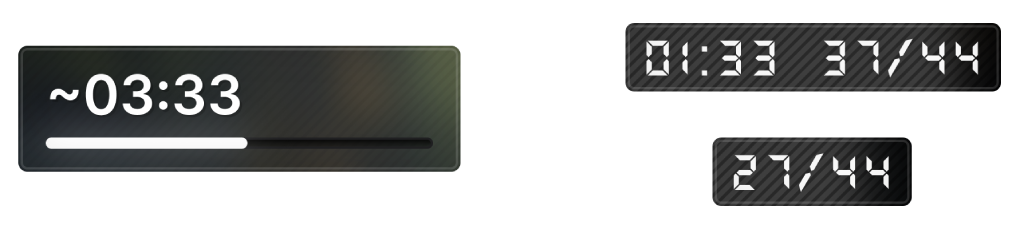
This is the 2024 desktop app's Race Engineer page (ACC) with a FUEL CALCULATOR panel (stint length, filters, total fuel needed, laps, pit stops), NOT the in-game overlay. The in-game 'Fuel Calculator' overlay (laps 29/44, time left, litres, laps of fuel, predicted fuel/lap vs max) is live-only on https://gofast.gg/overlays/ (on by default). The /fuel-calculator/ page has only a CSS animation, no screenshot.
Live-only: 'Tyres' toggle (front/rear pressures, inner/centre/outer temps, wear %, brake-disc temp with disc icon) and a separate 'Brake Indicator' (120/90/60/30 m BRAKE countdown, on by default). No static image. Related 2024 app screenshot (tyre-pressure adjust panel, not an overlay): https://gosetups.gg/wp-content/uploads/2024/07/Screenshot-2024-07-17-103700.png
Live-only: 'Damage' toggle - car drawn from panel zones coloured by severity, plus tyres and suspension, with an AERO % header (animated by damage-preview.js / damage-car.js).
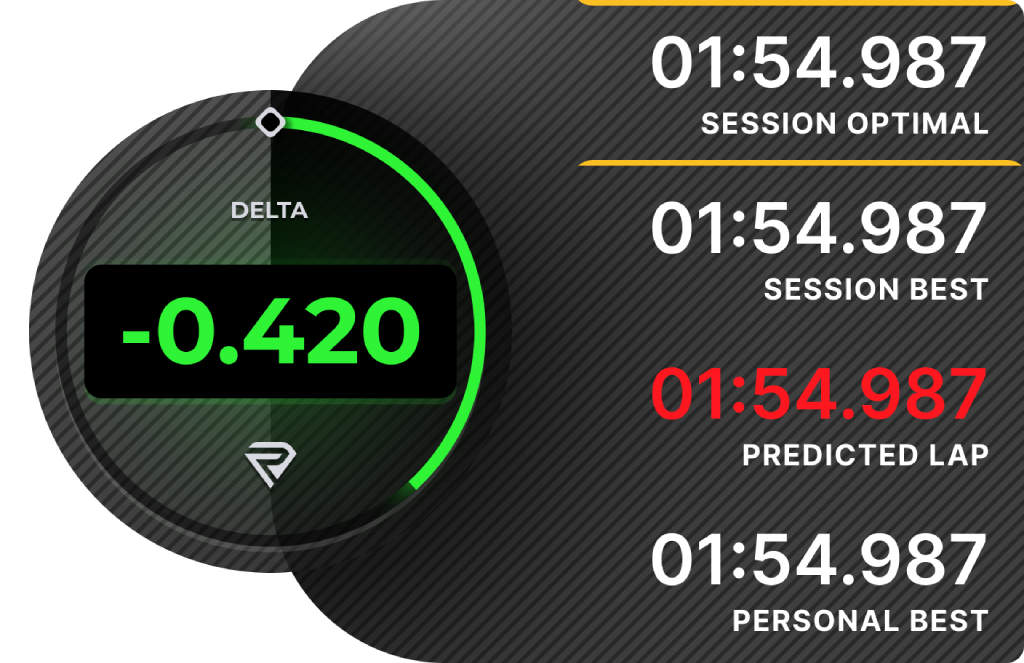
Composite cockpit shot (1126x960); bottom-left panel titled 'Delta' / 'vs Pro Lap' with S1-S4 times and +/- deltas and a BEST / LAST / OPTIMAL row. Same composite also shows a corner-speed trace, delta bar, inputs widget and circular map inset. Small homepage copy: https://gofast.gg/wp-content/themes/gofast/assets/images/overlays-feature-3.png. Live: 'Delta Sectors' and 'Comparison Target' (pro-lap picker) toggles.
Composite cockpit shot (1176x837); right panel explicitly titled 'Corner Analysis' - 'Corner 1 -3 km/h' with a speed trace vs reference. Also shows speed + throttle/brake comparison traces (top) and an inputs/line-bar strip (bottom). Live: 'Corner Analysis' toggle (on by default).
No standalone Session Info overlay exists in the overlays-page config. The session data (type R, laps 2/23.01, clock 1:16/8m, air 20C, track 29C, humidity 40%, SoF 4279) appears only as the class header bar inside the Standings image - mapped to that header, not a separate widget.
No standalone Aero overlay found. The only 'AERO' element is the horizontal AERO % header inside the live Damage overlay; not in the overlay-config toggle list.
No public screenshot found: Relative - live-only on /overlays/, no image, Track map - live-only, no image, Fuel overlay - live-only; only a 2024 app fuel-calculator screenshot exists, Tyres & brakes - live-only, Damage - live-only, Weather (conditions + forecast) - live-only, Aero - no standalone overlay; only an AERO header inside Damage, Session info - no standalone overlay; only the standings header bar, Neura engineer - not mentioned on any of the six source pages (string 'neura' absent), Blog 'go-fast-is-here' images (2/3/4/6-scaled.jpg) are 2024 app screens (dashboard, setups, auto-installer config) - no overlays